
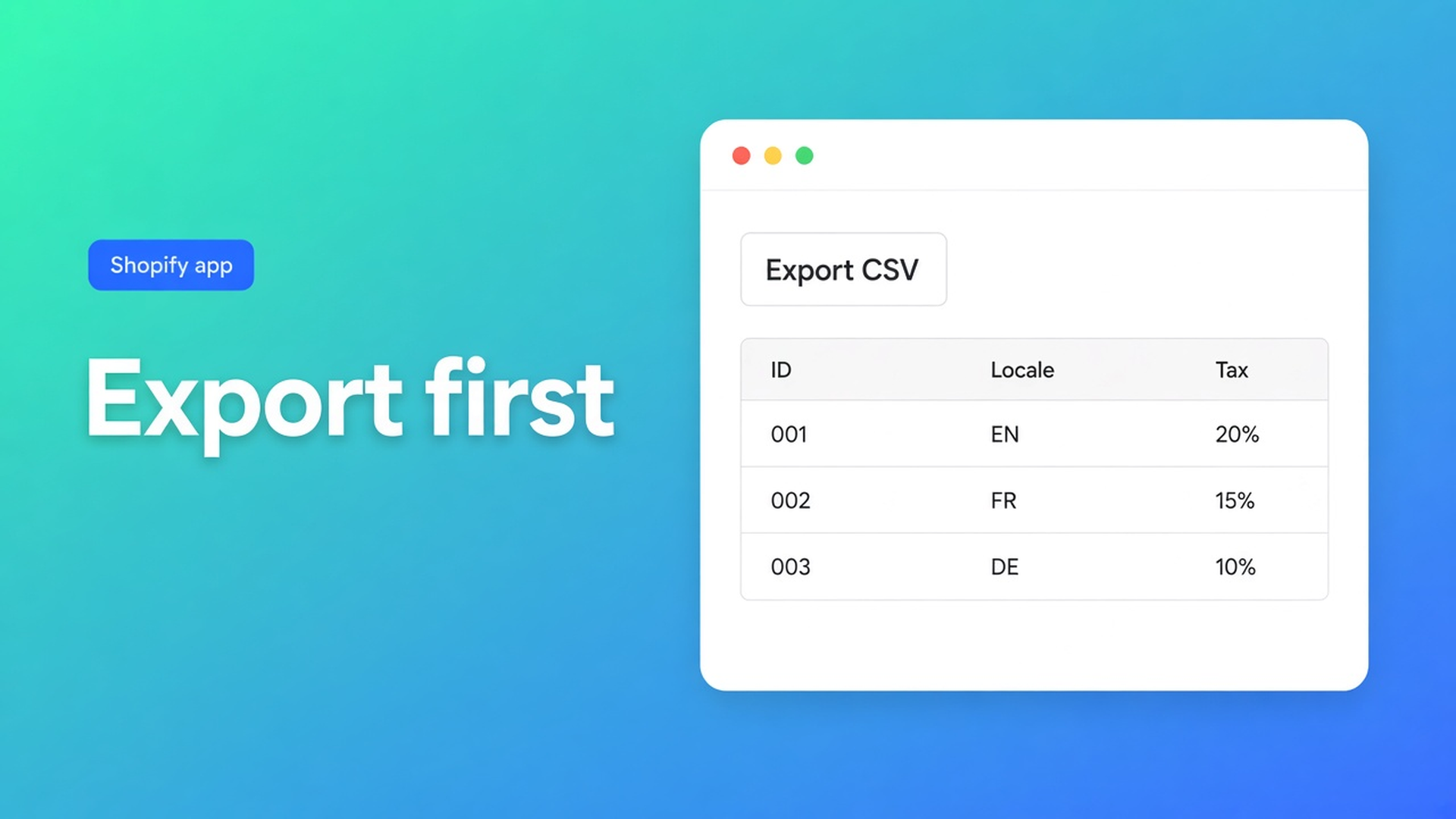
Shopify export customers before bulk edit: take the CSV first
You filter tax exempt = no on a wholesale tag, Select all matching, flip the flag, Save. Then you notice the tag also sat on a handful of retail gift accounts. Shopify does not ship Undo for four thousand profiles. Shopify export customers before bulk edit is the file you write *before* that Save — a backup, not a report you remember later.
OO - Bulk Customer Data Editor exports the same headers as the grid, including Customer ID. The export article lists backup, spreadsheets, or a later re-import. Only then bulk apply or edit cells. Quick start is explicit: saved changes are permanent.
This is not which list you pull (admin vs editor). It is not Excel encoding. The subject is sequence: file, then edit, plus the FAQ limits.
Admin will not rewind a bulk save
Shopify’s own import and export is a snapshot of standard fields. Locale — a listing USP — is not automatically in that file. Flipping locale or tax exempt one profile at a time is the slow path.
Native export can do current page, all, or selected. It cannot snapshot *this* filter plus Locale plus Customer ID, ready to restore after a bad apply.
So the save goes out without a net. Or someone edits in a sheet and re-imports without IDs. Matching falls back to email until two profiles share it.
Habits that skip the file
Apply first, export if it breaks. Too late. There is no rollback. Failed rows toast a Shopify error; successful rows already wrote.
Export every customer from Admin, then tinker in the editor. An 80k dump is not a backup of *this* action. You want the filtered set: empty locale, or wholesale still taxable.
Treat empty spreadsheet cells as a reset. Empty CSV cells do not clear values on update. Blank is not delete. Without a backup of the old locale, you have nothing to put back.
The missing piece: a CSV of the rows you are about to touch, IDs included, then Save.
File, then grid
OO - Bulk Customer Data Editor is Free. Listing: spreadsheet editor; bulk-edit Customer Locale and tax-exemption status; import/export of fields Shopify leaves out; migration; filters, views, segments. Excel and Google Sheets via CSV. Still 0 reviews — do not invent a star rating. Launched 15 September 2026.
Open from Start editing or Customers → More actions → Edit in bulk.
Export steps:
Customers page in the app.
Export.
Selected rows, current page, or a larger export from search/segment.
Optional UTF-8 BOM for Excel.
Download.
Same headers as the editor, including Customer ID and the columns you chose. Keep the ID if you will re-import in this shop.
Filter before Export. Columns, filters, sorting: filters run store-wide. Search (name, email, phone, tags) hits Shopify search; locale and note are scanned, not native search. Large shops: segment or search first. Saved views share the column set shop-wide; the picker itself is per browser.
Then edit in the grid — the sheet is the safety copy, not a requirement:
Preview before Save or import.
Select all matching caps at 50,000. Narrow with search, segment, or filters.
Keep the tab open on large saves/imports. Closing it can kill the job.
Read-only examples: total spent, order count, created date. Fine in the backup; you cannot write them back.
Marketing consent must follow Shopify’s rules.
Metafields only when defined on the shop; some types are not editable.
If Shopify blocks protected customer data, editing stays limited until access is approved.
Locale is a dropdown of Shopify locales. Tax exempt is a yes/no on the selection. Those are the fields worth backing up.
Re-import is optional. Often cleaner: file on disk, change in the grid, Save with preview. If it went wrong, import the backup with IDs. Empty cells in that file change nothing; filled old values do.
Example: 1,800 taxable wholesale tags
Tag `wholesale` is on, tax exempt still `no` on most of them. A few gift accounts inherited the tag.
Filter tag + tax exempt = no. Columns: Customer ID, email, tax exempt, locale.
Export on search/segment. BOM on. Save as `backup-tax-2026-10-15.csv` outside Downloads.
Spot-check the CSV. Remove the gift accounts from the *grid selection* if they showed up — the backup still has them unchanged.
Select all matching (under 50k). Bulk apply tax exempt yes. Preview. Save. Tab stays open.
Open ten profiles in Shopify.
Need to reverse the gift accounts you missed? Re-import the backup for those IDs. Locale stays untouched unless you overwrite it.
One filter, then the rest of the book
Install OO - Bulk Customer Data Editor (free).
Set the filter you will change. Export that set. Customer ID on. BOM if Excel is next.
Park the file. Open it in Sheets to look — skip editing there if the grid will do the write.
Bulk apply or cells. Preview. Save. Leave the tab until progress ends.
Check ten profiles. If unsure, re-import the backup instead of guessing again.
Store-to-store, the ID is foreign — that is migration, a different post. Stay in this shop here.
Wrap-up
Shopify export customers before bulk edit is the safety CSV, not the recap. Native Admin export skips locale. The editor file has IDs, your columns, your filter. Limits: 50,000, tab open, empty cells do not clear, read-only stays read-only.
Take that file from OO - Bulk Customer Data Editor. Then apply locale or tax exempt — with something to restore.

The Shopify Select partner for ambitious e-commerce businesses that want to grow!


Services
Reviews
5/5
Mail: info@onlineorigins.nl
Tel: 073 234 0612
KVK: 89825624
BTW: NL865123639B01
Bruistensingel 500,5232 AH 's-Hertogenbosch Cookies
© 2026 Online Origins