
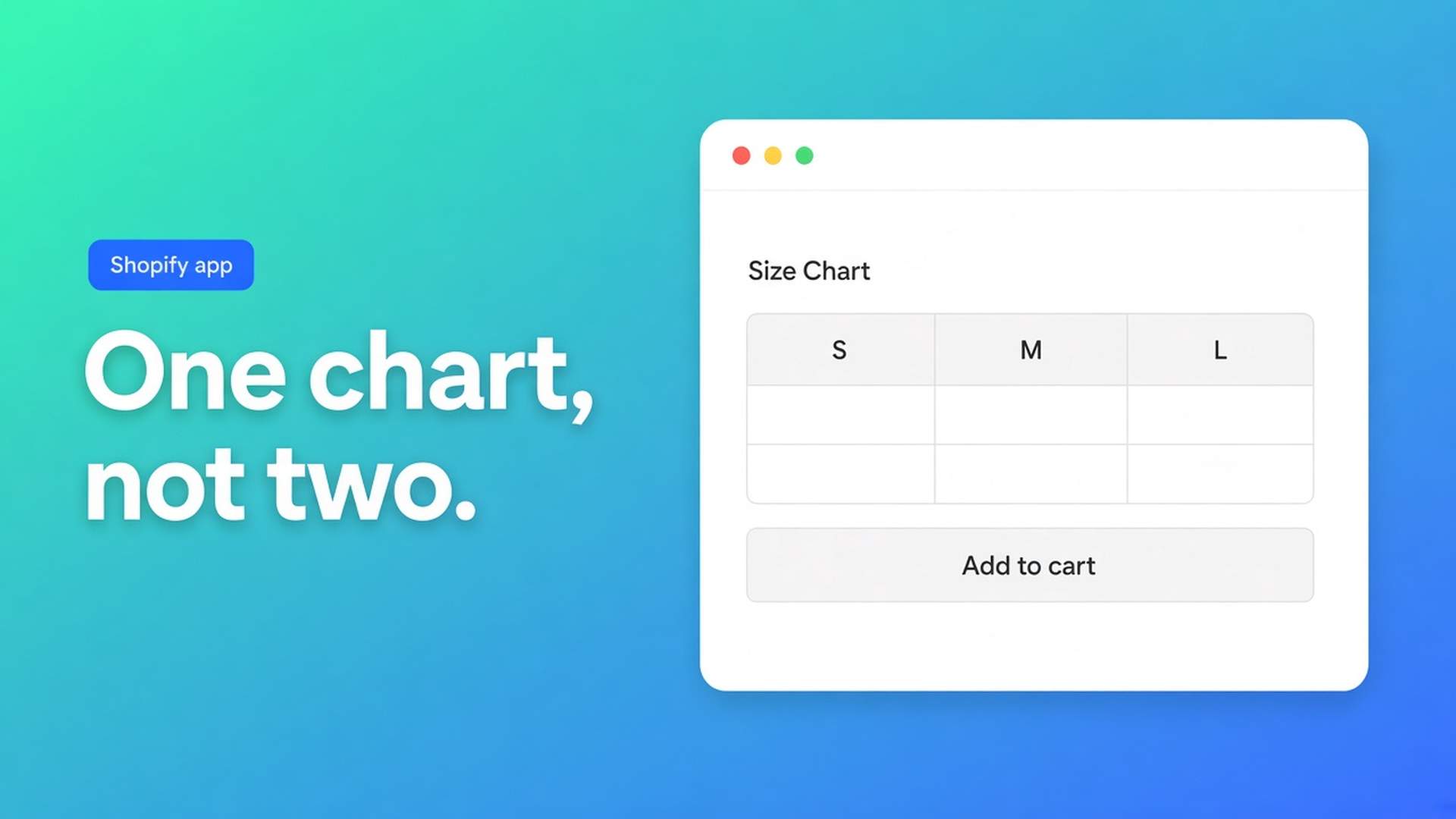
Duplicate Shopify size chart blocks: pick embed or theme block
The hoodie shows two size charts: a popup above Add to cart and another halfway down the description. Or the chart never appears above the button even though you expected auto-placement. Customize reveals two Size chart blocks, or one block plus the app embed. That is Shopify duplicate size chart blocks: the inject and the theme block fighting over the same PDP.
Common issues lists the empty-ATC case in three lines. Enable the app embed. Remove conflicting duplicate Size chart blocks if you only wanted auto-placement — or leave the block on purpose. Confirm visibility includes the product.
OO - Advanced Table Builder is Free. Listing (2 Nov 2026): 5.0 from 1 review. Size charts, specs, compare, tabbed, Us vs Them. English UI. CTA stays this listing.
Related: automatic size chart placement. That is the fallback. This article is what happens when the fallback *and* a block both stay on.
Two placement models, not “both to be safe”
Shopify will not paint a chart just because it exists in the app. You either drop a theme app block, or — size charts only — you rely on auto-placement through the app embed.
Auto-placement rules: with the embed on and no Size chart block on the product template, enabled charts that match visibility can render above Add to cart.
Place tables with theme blocks: Customize → template → Add block → Apps → Size chart. You pin the spot. Docs suggest near price / buy buttons.
A Size chart block on Default product turns the fallback off. Common issues puts it in that order: embed on, strip conflicting duplicate Size chart blocks if you expected auto-placement only, or keep the block deliberately.
So:
Above ATC, no dragging: embed on, zero Size chart blocks on that template, table enabled, visibility ok.
Exact spot (under the gallery, in a tab, on a page): one block, embed still on for popup runtime, no second block “just in case”.
Two blocks on the same template: two charts, or the same chart twice. That is not auto-placement. That is a duplicate.
Specs have no ATC auto-inject. Tabbed and Us vs Them always need their own block or a shortcode. Comparison can inject Add to compare under the price when the Compare button block is missing — different switch, not a size chart.
How PDPs end up with two charts
Block in the editor, embed “also on”. You need the embed for auto-placement, shortcodes, and the compare tray. Enable the app embed: Theme settings → App embeds → Tables, Specs & Comparisons → Save. Theme blocks alone are not enough for that runtime. Embed + Size chart block = no ATC inject. You keep the block. Support still gets “why isn’t automatic working?”
Two Size chart blocks for Men / Women. Sometimes intentional. Size charts: separate table modules in Structure, or separate theme blocks. That is fine if you are not also expecting the inject. Two blocks + embed + “it should also appear above ATC” is the conflict.
Visibility = All products, block only on Default product. Hoodie looks right; socks inherit a chart they should not, or a template stays empty. Common issues: verify visibility matches the product. Extra blocks do not fix a visibility miss.
Previewing an unpublished theme. FAQ: preview the theme you edited. Embed on theme A, live theme B: production still has yesterday’s duplicates.
Walkthrough: one hoodie, one chart
“Fit & Cuff” has a single Size chart, popup trigger, enabled, visibility = Hoodies.
Wanted: above Add to cart only.
Online Store → Themes → Customize on the live theme.
Theme settings → App embeds → Tables, Specs & Comparisons on → Save.
Products → Default product. Count Size chart blocks. Delete them if you want auto-placement. Save.
App: table Enabled, visibility includes this hoodie.
Incognito: one trigger above ATC. Nothing extra in the description.
Wanted: chart in the description, not above the button.
Embed on (the popup still needs runtime).
One Size chart block in the description section. Not two. Auto-placement stays off while the block exists — that is the point here.
Trigger label and colours in Design. Do not add a second block “back to ATC”.
Still seeing two triggers: a leftover block on another template (Default product vs product.hoodie), or a shortcode `[oo-table id=…]` in the body plus a block. Shortcodes need the embed and a real saved table ID. Remove the shortcode if the block already draws the chart.
AI from a description or screenshot fills Structure. It does not place a second theme block.
Pick a rule per template
Write it down: “Default product = auto ATC” or “Default product = block under gallery”. Do not mix.
Then check:
Table enabled and saved.
Visibility.
Embed on the published theme.
Size chart blocks on that template: 0 for auto, 1 for a pin, never 2 “to be sure”.
Free app, no Premium tier. 5.0 from one review; do not invent more.
Wrap-up
Shopify duplicate size chart blocks is almost always auto-placement plus a Size chart block, or two blocks on one template. Embed on. Visibility correct. Either the inject or the block — not both for the same slot.
Clear the extras in Customize and let Advanced Table Builder draw one chart where shoppers pick a size.

The Shopify Select partner for ambitious e-commerce businesses that want to grow!


Services
Reviews
5/5
Mail: info@onlineorigins.nl
Tel: 073 234 0612
KVK: 89825624
BTW: NL865123639B01
Bruistensingel 500,5232 AH 's-Hertogenbosch Cookies
© 2026 Online Origins