
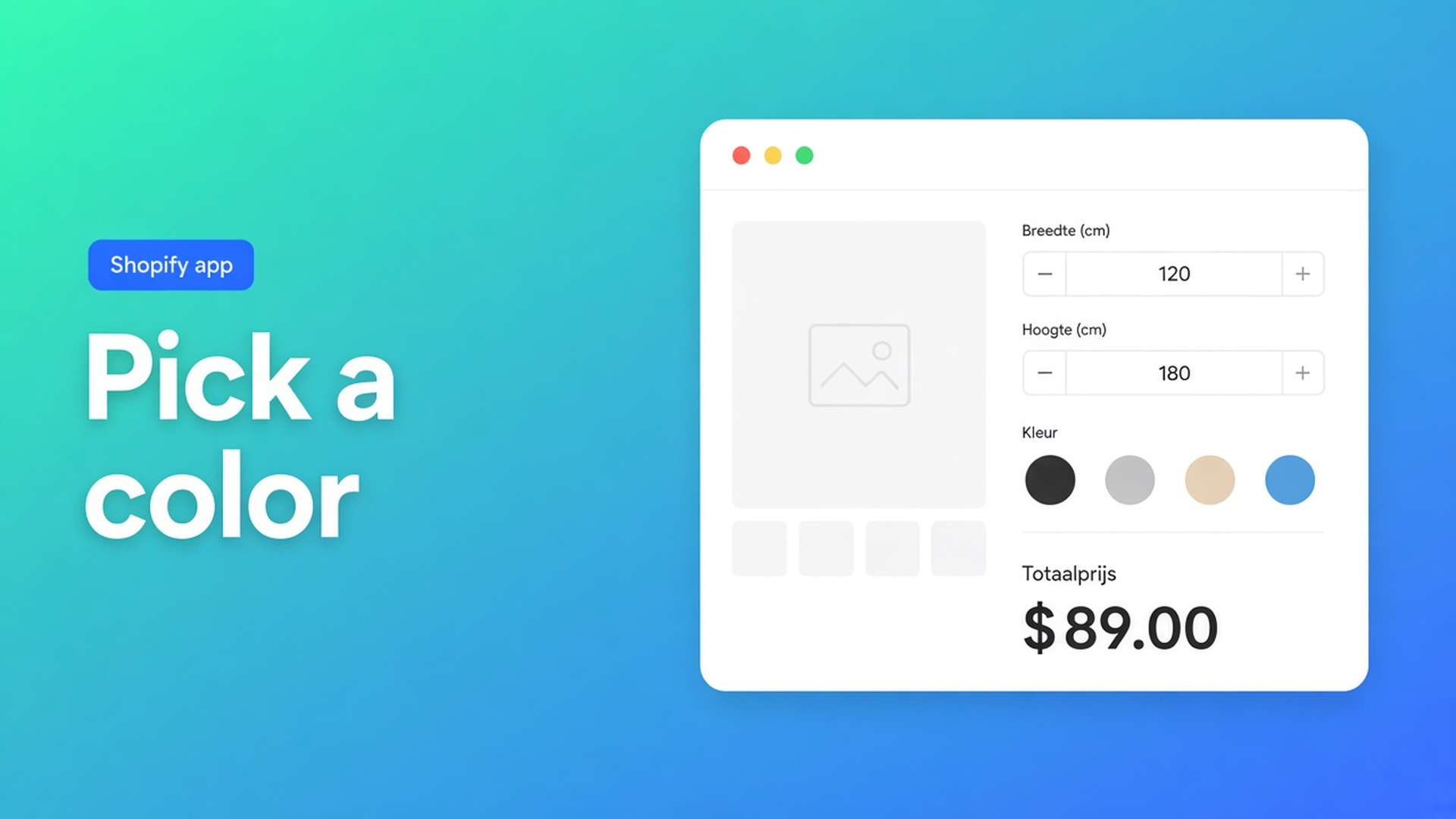
Shopify color picker as a product option (not a SKU per hue)
Shoppers want the powder coat in a brand hex, or the print plate in last year’s campaign green. Your product already uses Size, Material, and Finish. Shopify will not give you a fourth option named Color — and dumping two hundred RAL codes into one option is a spreadsheet, not a picker. The job is a Shopify color picker product option: a field on the product page, the chosen hue on the line item, zero extra SKUs.
Adding variants still caps a product at 3 options and 2048 variants. Do not quote the old 100. A hex string is not inventory. Theme inputs named `properties[Color]` print on the order and do not change the price.
We already covered unlimited color swatches as a separate field type. This article is the Color Picker: two modes, one key, and a hard split between “pretty” and “priced”. The Options Price Calculator listing lists swatches under Customization. The field itself is in the Color Picker docs.
Native Color is stock. A picker is a note — until it is a number
Variants exist so you can stock a combination or attach media. `#0B1F33` is not a bin location. If you spend one of your three option slots on twenty house colours, you still owe the shopper a way to ask for “a bit warmer”. You also still owe checkout a number when metallic costs more.
Keep native Color for finishes you actually hold: oak versus walnut, matte film versus mirror film. Use a calculator field when the hue is either unbounded (any hex) or a short branded list with a surcharge.
A theme colour `<input type="color">` without a formula is decoration. Staff re-quotes special ink after the order lands.
The four workarounds that leak the quote
RAL codes as variant values. Fine until a fifth metallic arrives, or until the third option slot is already Finish. Admin grows. Inventory does not.
A text box. People type `anthracite`, `RAL 7016`, `same as the photo`. Fulfilment decodes it. Nothing is required. Nothing is priced.
Line-item properties only. The order shows a code. Checkout charges `product_price`. The surcharge email arrives later.
Treating swatches as a fourth Shopify option. Shopify does not have a fourth option. Swatches in the app are their own field. The Color Picker is a different control with Picker versus Options.
None of those paths give you a native colour input *or* a curated list with a swatch and a float — plus a required gate — without extra variants.
Picker mode versus Options mode
Options Price Calculator is Built for Shopify (listing: 5.0, 26 reviews). Unlimited product options, formulas, live totals, no extra variants. Starter $9.99/month: unlimited options, formula builder, metafields, multilingual, AI. Premium $14.99/month: conditional logic, font picker, live preview, price breakdown. Free: 20 uses; always free on a Shopify Develop plan. Billed in USD.
The Color Picker is a form field. It is not a Shopify option and the docs do not mark it Premium (the Font Picker’s nested colour control *is* Premium — do not mix the two).
Picker. The shopper uses a native colour input. You set a Default color as hex (`#000000` in the docs). The value is informational. It does not enter the formula, because a free-form colour is not a useful number. Use this when any hue is acceptable and nothing extra is charged.
Options. The shopper picks from your list. Each row has a customer-facing label (translatable), a color swatch, and a value (float) for pricing. Drag to reorder. Mark one default. Use this when some colours cost more, or when you want a closed brand palette.
Docs tip, verbatim in spirit: Options when colour affects price or you need consistent brand colours. Picker when personalisation is purely cosmetic.
Label, key, required
Label sits above the control. Docs example: `Frame color`. On an English storefront that can stay, or become `Print color` / `Coat color`.
Key is the engine id: lowercase letters, numbers, underscores. Docs examples: `frame_color`, `print_color`. No spaces.
Required field blocks Add to cart until a colour is chosen. Turn it on when production cannot guess. Leave it off when a default hex is enough.
What the formula actually inserts
In the formula builder the field appears under Form fields by its label. Inserting it drops in the selected option’s value in Options mode, and nothing in Picker mode. `product_price + frame_color` only makes sense when Standard is `0` and Metallic is `18`.
You cannot add a hex to a price. `{key}_optidx` (zero-based index of the chosen option) exists only inside Premium conditional pricing rules — not in the regular formula. Example from the docs: when the second colour option is selected, do X. Do not claim that branch on Starter.
Shop-floor example: stocked timber, priced stain
A small furniture maker stocks oak and ash as Shopify variants. Stain is not stocked by SKU. Three house stains are free; a two-pack marine coat is +25.
Install Options Price Calculator. Starter is enough for the field and `product_price + stain`. Premium only if you later branch on `{stain}_optidx`.
Color Picker. Label `Stain`. Key `stain`. Required on.
Mode Options. Natural `#C4A574` → `0`, Smoke `#5C5C5C` → `0`, Marine `#1B3A4B` → `25`. Default Natural.
Formula: `product_price + stain`. Oak + marine = variant price + 25. Ash + smoke = variant price only.
Theme app block below the price, above Add to cart. Custom themes still need the selector picker for the price node and the cart button.
If that same maker later allows any brand colour at no surcharge, switch the field to Picker, keep the key, set default `#C4A574`, and drop `stain` from the formula. The order line still carries the hex. Checkout does not move.
Link the calculator on both timber variants with Linking Products & Variants. One form is enough when only `product_price` changes.
Get it on the product page
Open the listing. Free for 20 uses. Starter $9.99/month. Premium $14.99/month when you need conditionals on the selected option.
Drop the app block on the product template — How to Add the Extension to the Product Page.
Add a Color Picker. Pick one mode. Do not ask one field to be both “any hex” and “priced palette”.
Leave real inventory (timber, film, metal) as Shopify variants. Do not invent a SKU per tint.
Test empty (Required should block), test each option value against the live total, switch variants, check the cart and the order line. In Picker mode the total must stay still while the hex changes.
Theme bindings exist because themes differ. Server-side price validation is part of the app. Do not claim “works on every theme with no setup”.
Close
A Shopify color picker product option is a labelled field, not a fourth Color option. Picker stores a hue and stays out of the math. Options stores a swatch plus a float you can add. Shopify itself stops at three options and 2048 variants. Two hundred RAL SKUs will not beat that cap.
Put the control in Options Price Calculator. The shopper picks a hue. You keep stock on the materials you actually hold.

The Shopify Select partner for ambitious e-commerce businesses that want to grow!


Services
Reviews
5/5
Mail: info@onlineorigins.nl
Tel: 073 234 0612
KVK: 89825624
BTW: NL865123639B01
Bruistensingel 500,5232 AH 's-Hertogenbosch Cookies
© 2026 Online Origins