
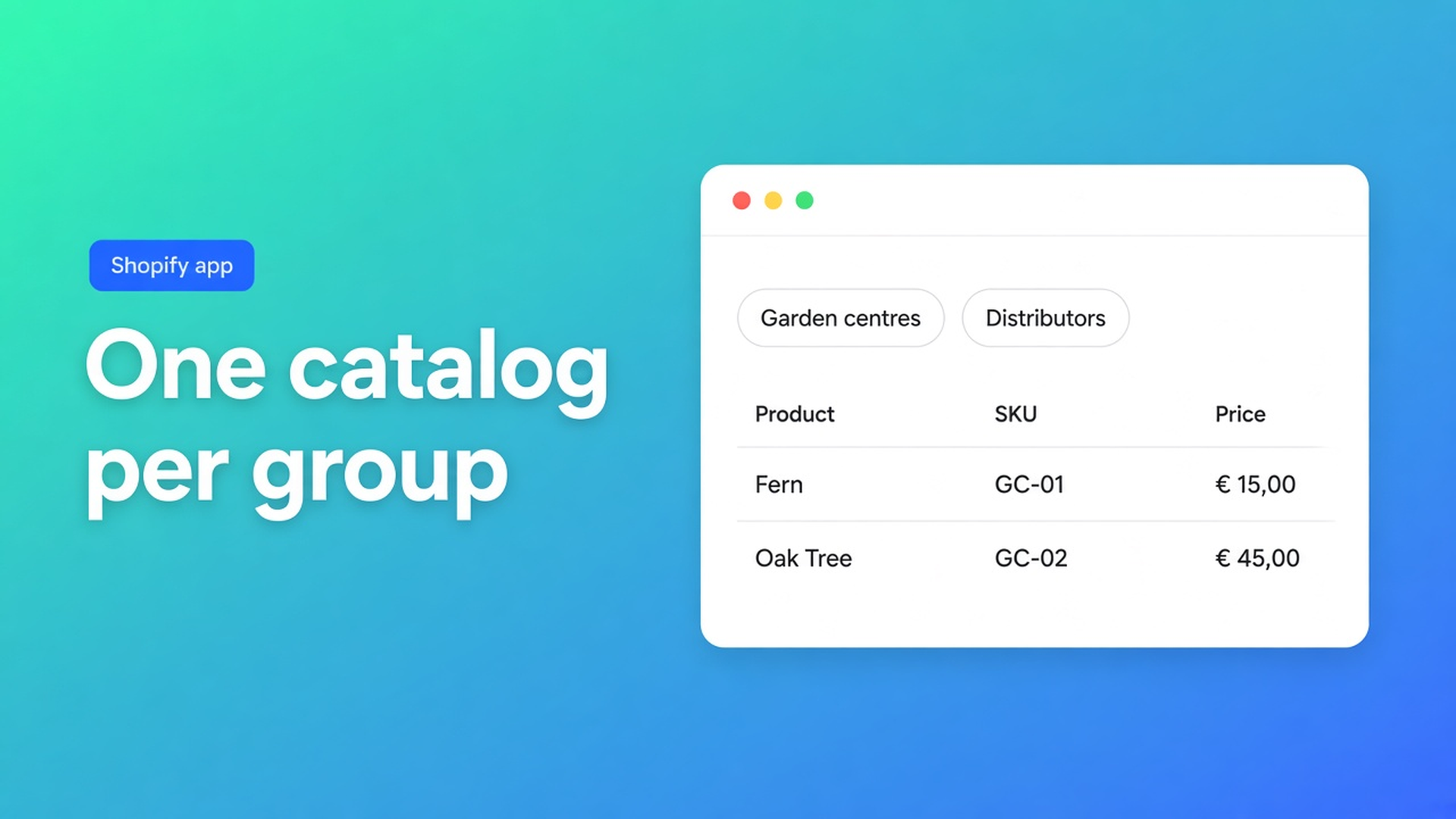
Shopify bulk form product collections: one catalog per wholesale group
Garden centres may order cushions and parasols. Distributors also get the display sets. You do not want to tick every SKU on two forms. Searching Shopify bulk form product collections usually means the assortment should follow a Shopify collection — a different source per customer group — so a new cushion does not need three admin visits.
A native collection decides what a collection page shows. It does not decide what appears in a wholesale order table. OO - EU B2B & Wholesale is the link. Bulk forms are Growth. This is not a replacement for Shopify Plus B2B / Companies.
Where the form lives is a separate article. Who can see it is another. This one is the product source: collections, the whole shop, or a hand-picked list.
A collection page will not take forty line items
Shopify collections filter the catalog. A reseller placing forty lines needs a table: SKU, variant, qty, one add to cart. That table is the bulk order form. No Growth plan, no table, nowhere to attach a collection.
The recommended wholesale setup is blunt: select products with collections whenever you can. New SKUs inherit. Fewer checkboxes.
One customer sees one form. Two groups means two forms and unique tags. Reusing a tag is a conflict; the visibility docs ignore the duplicate assignment.
Shortcuts that leak the wrong catalog
All products on every form. All products dumps the entire shop — including future SKUs — into the form. No per-item exclusions. Fine when every B2B account may buy everything. A problem when garden centres must not see display kits.
Tick SKUs by hand. Fine at twenty products. Then the new colour ships and nobody opens the form. How to create lists Specific products as an option; the recommended-setup article treats it as the thing that does not scale.
Visibility only. The tag is right, Enable is on, the theme block is there. Last week’s cushion is still missing: it is not in the collection, it is a draft, or it is unpublished on the sales channel.
None of that is: one collection per group, kept in sync, visibility beside it.
Select collections — source, not price
In the app: Bulk order forms → open the form → Select collections → pick one or more → save. That is How to use collections in a bulk form.
What happens:
Every product in the chosen collections lands on the form.
Add to the collection later → it appears automatically.
Remove it → it disappears.
Active products only.
A product in two selected collections still shows once.
Pricing and visibility stay on the form. The collection does not set the rate.
The form must be Enabled. Enabled is not the storefront: the theme block has to sit on the published theme.
Three sources:
| Source | Use it when | |--------|-------------| | Collections | Groups with a bounded, changing assortment | | All products | Every B2B buyer may have the full shop; no exclusions | | Specific products | A tiny, stable set — not your main wholesale list |
Visibility is separate: everyone, logged-in only, tags, or named customers. Recommended wholesale: Customers with specific tags, a dedicated bulk page, a collection as the source, one form per group.
OO - EU B2B & Wholesale is Built for Shopify (5.0, 34 reviews). Live listing: Free / Starter $22 / Growth $37, 14-day trial, USD. Bulk forms, order limits and extra cart fields are Growth. VIES, tax display incl/excl and login-to-see-prices sit on Starter. The app does not compute FX; Shopify Markets does.
Worked example: outdoor furniture, two collections
Retail stays the normal catalog. Wholesale orders on `/pages/trade`.
Collection Garden centres: cushions, parasols, covers — no floor displays. Collection Distributors: every active B2B SKU, displays included.
Two Growth forms:
Garden-centre form — source collection Garden centres — tag `Garden_centre` — one pricing strategy.
Distributor form — collection Distributors — tag `Distributor` — its own rate. Do not reuse tags.
A new cushion: drop it in the right collection(s). It shows on the form without opening the form. A draft stays out until it is active and published to the channel. That is the first check when “it is missing from the grid”.
Test with real customer accounts. Staff preview lies; see How to test visibility rules. Garden-centre login: no display kit. Distributor: the kit is there. Same SKU in both collections: one row.
Theme block on the bulk page. Nav link to that URL. Enable on product pages only if you want browse + form; the recommended primary path is the dedicated page.
One collection per group, then stop clicking SKUs
Install the app. You need Growth for bulk forms. 5.0 (34), $37/mo on Growth, 14-day trial.
Build Shopify collections that express the B2B assortment, not the entire retail homepage.
One bulk form per group. Select collections. Unique tags. One pricing strategy per form.
Enable + theme block + menu link. Miss one and nobody sees the collection.
Place a test order as a tagged customer. Add a SKU to the collection, reload, confirm it appeared.
Missing product: active? Published to the channel? Still in the collection? Form enabled? A higher-priority form winning (specific customer > tags > logged-in > everyone)?
A later “export leftovers only” group is a third collection, third form, third tag — not the same collection on two forms with overlapping visibility.
Close
Shopify bulk form product collections are the product source of the wholesale table, not the theme’s collection template. One collection per group, a unique tag, its own rate. Native Shopify shows the collection in the catalog. The Growth form shows the same SKUs as a grid. New products ride along. Drafts and unpublished SKUs do not.
Attach the collection in OO - EU B2B & Wholesale. After that you maintain assortment in Shopify, not in a hundred checkboxes.

The Shopify Select partner for ambitious e-commerce businesses that want to grow!


Services
Reviews
5/5
Mail: info@onlineorigins.nl
Tel: 073 234 0612
KVK: 89825624
BTW: NL865123639B01
Bruistensingel 500,5232 AH 's-Hertogenbosch Cookies
© 2026 Online Origins