
Shopify bulk edit customer addresses without opening 180 profiles
The tag is right. The tax-exempt flag can wait. What is wrong is the default address: last year’s warehouse postcode on 180 wholesale cards, or a company name the accountant retired in May. Opening every profile is not an afternoon. It is a week.
Shopify bulk edit customer addresses means the default address columns in OO - Bulk Customer Data Editor: company, address lines, city, province and country *codes*, zip, phone. One spreadsheet in admin. On Save, only the cells you actually touched are sent to Shopify.
Yesterday we applied tax exempt after wholesale signup. This post is the address on that same card, without 180 clicks on Edit.
Shopify stores a default address, not a workbook
Shopify Help on customers lets you edit an address on the profile. Fine for one return. Useless when a legal name changes, a depot moves ZIP, or an import wrote `NL` into the province code instead of the region Shopify expects.
Native export/import does not cover everything this listing calls out. The app is Free, 0 reviews, launched 15 September 2026. The listing leads with fields Shopify’s standard editor is weak on: Customer Locale and tax-exemption. Default address sits in the same grid, next to locale, tags, note, consent, metafields.
Typical stalls:
Open a hundred profiles, paste company, save, next.
Export, edit company in Excel, import, and hope blank cells do not wipe data. In *this* app, empty CSV cells do not clear values on updates — that is a different path from the spreadsheet Save.
Leave it until invoices still print the old legal name.
None of that is: show *Company* and *Zip*, filter by tag, apply one value to the selection, Save.
What the sheet will let you change
Edit customers in the spreadsheet:
Default address: company, address lines, city, province/country codes, zip, phone.
Codes, not long names. `NL` plus the province code Shopify wants — not “South Holland” in the code column. A bad code fails that row on Save; the rest can succeed.
Also editable in the same table: name, email, phone, tags, note, locale, tax exempt, marketing consent (email / SMS / WhatsApp, following Shopify’s rules), customer metafields defined on the shop.
Read-only: total spent, order count, created date. Those are not an address fix.
Only changed fields are sent on Save. You can patch zip and leave company alone. Discard drops unsaved work. Save is permanent — the docs warn you.
Open from the app → Start editing, or Customers → More actions → Edit in bulk. Staff without `read_customers` / `write_customers` will not load the list.
Large saves run in batches. Keep the tab open. Select-all matching caps at 50,000. Not unlimited.
Columns and a filter, then paste
Pick columns: default address fields, plus tag or locale if you filter on those. Hide the rest.
Filter or segment: tag `Wholesale`, or search the old legal name in company. Filters run across the whole customer list.
One cell for a unique street. The same company or zip on many rows: Apply a value to many customers — selection (or select-all matching) → field → value → Apply to selected.
Save bar: preview, confirm. A failed row shows Shopify’s error. Fix the code or the phone format, retry that row.
Save a view if this is a quarterly job (columns + filter + sort). Views are shop-wide.
This is the default address. Extra addresses on the profile are not extra rows in this table. Do not claim “every address on the customer in one grid.”
CSV still exists for store-to-store moves. For “the same ZIP on 180 wholesale cards,” the spreadsheet is shorter: no file, a preview in the save bar.
Worked example: a depot ZIP on 180 trade cards
Shop “North Pack”. Tag `Trade` after approval. Defaults still show ZIP `1012AB` from the old depot. Invoices and carriers use it.
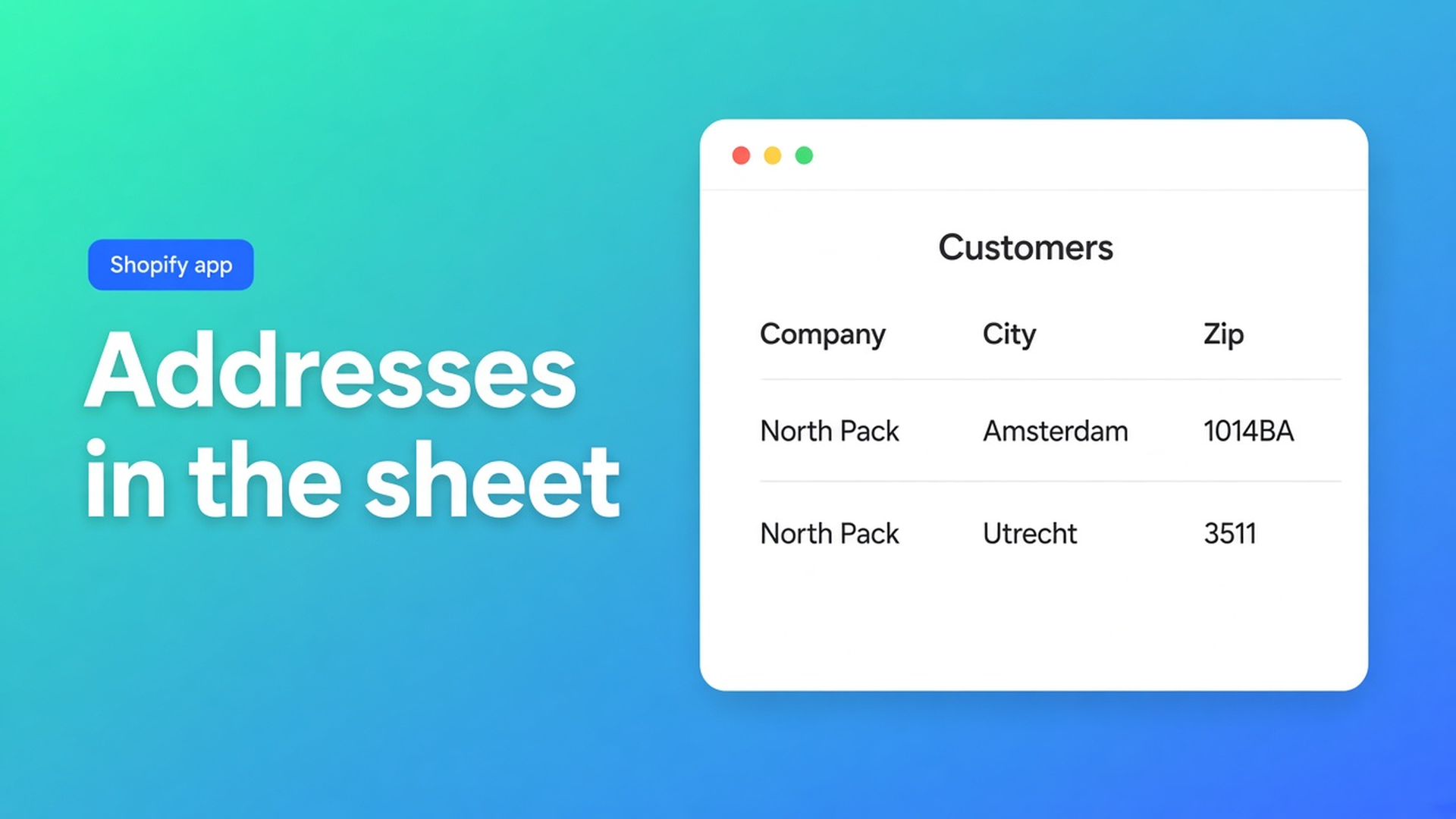
In the editor: columns Company, Address, City, Country, Zip, Phone. Filter tag `Trade`. Select all matching. Apply zip = `1014BA`. Company stays — that cell was not edited, so it is not sent. Save. Spot-check in Shopify: default address, new ZIP, old legal name.
Same afternoon: twelve cards have country `NLD` instead of `NL`. Shopify rejects the row. Filter those twelve (or the error after Save), set `NL`, Save again. Do not unload 180 profiles.
Locale and tax exempt can sit in view if those columns are on — useful beside the address, not required for this job. Do not pitch another app.
Get it done
Install OO - Bulk Customer Data Editor (Free).
Customers → More actions → Edit in bulk, or Start editing.
Columns: default address. Filter the group.
Cells for one-offs. Bulk apply for the same company, zip, or country code.
Save, leave the tab open, spot-check a profile. Discard before you confirm if it is wrong.
Export a CSV first if you want an audit trail. Empty cells on a later import do not clear existing values on updates here — but this job does not need that import.
Wrap-up
Shopify bulk edit customer addresses is the default address in an admin spreadsheet: company, street, city, codes, zip, phone. Changed fields only. Up to 50,000 matching. Not an address book of every location, not inventory, not an infinite select-all.
Free. No reviews yet — do not invent them. Put the legal name or the ZIP in OO - Bulk Customer Data Editor and leave the other cells alone.

The Shopify Select partner for ambitious e-commerce businesses that want to grow!


Services
Reviews
5/5
Mail: info@onlineorigins.nl
Tel: 073 234 0612
KVK: 89825624
BTW: NL865123639B01
Bruistensingel 500,5232 AH 's-Hertogenbosch Cookies
© 2026 Online Origins