
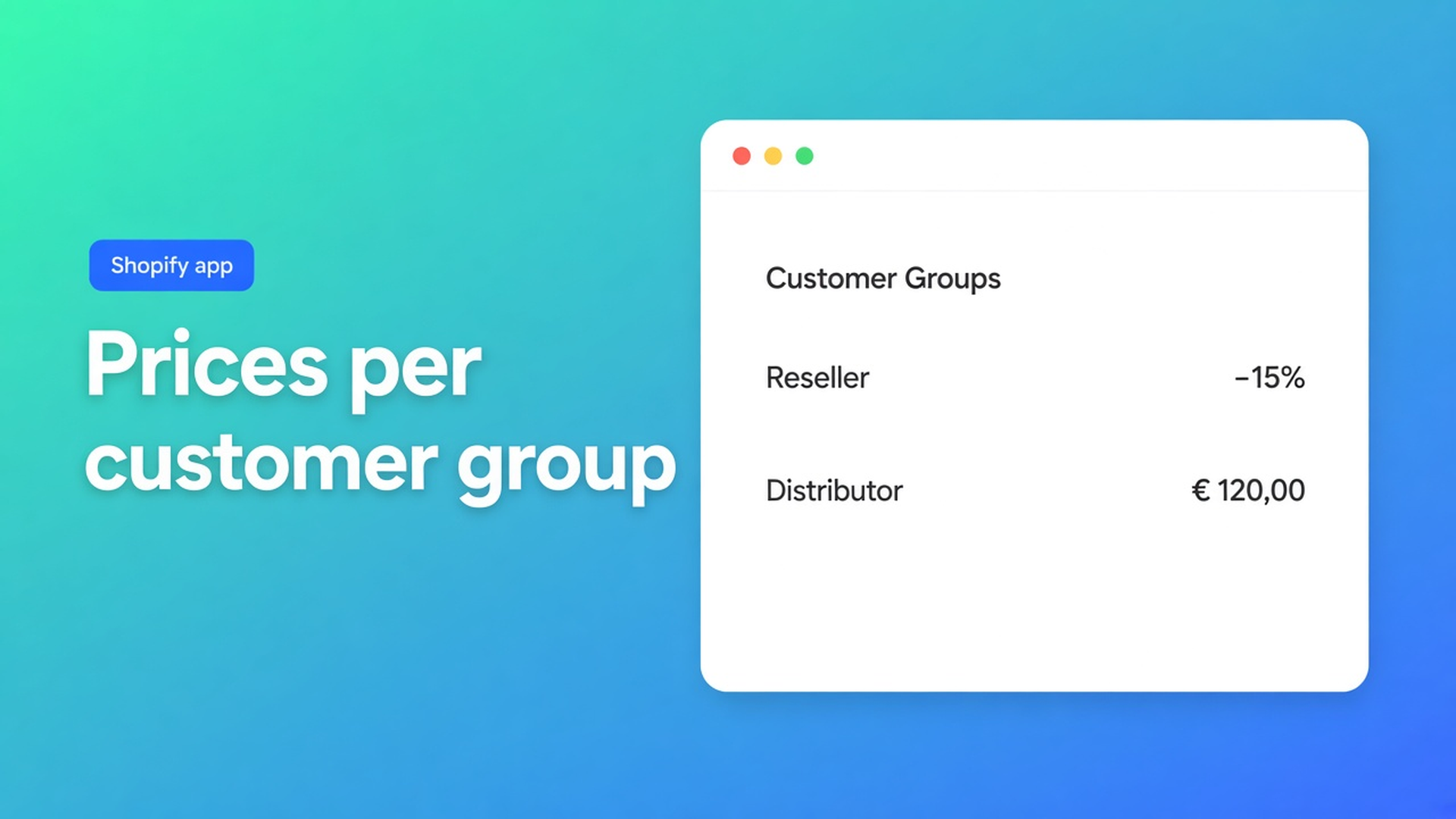
Shopify B2B pricing for customer groups: wholesale rates on one storefront
Shopify B2B pricing customer groups is the search that shows up when a mixed EU store can no longer live on one retail price list. You sell to consumers and to trade. Resellers should not see the shelf price. A national distributor should not pay the same net as a small installer. Shopify is happy to share products and checkout across those buyers. It will not, on its own, give every tagged account a dedicated price list unless you adopt native B2B catalogs — or you put group pricing in a wholesale order flow that retail never opens.
This article walks through why a second shop or a shared discount code fails, what Shopify’s own catalogs actually do, and how OO - EU B2B & Wholesale maps each customer group to one bulk order form, tag-based visibility, and a single pricing strategy — without rewriting the price on the regular product page.
One catalog, several commercial agreements
Retail and wholesale share SKUs. They do not share the deal. A consumer pays the published price. An approved reseller might sit 10% below that. A distributor has negotiated unit prices. If every audience hits the same product template, either trade pricing leaks to the public or trade buyers still see retail.
Shopify documents a first-party path. Catalogs and pricing in B2B lets you attach product availability and prices to companies and company locations. On Basic, Grow, and Advanced you can assign up to three active catalogs across B2B markets; Plus removes that cap. That is a real Shopify feature. Plenty of EU merchants still run a blended D2C storefront on ordinary customer accounts and tags. For that setup, Shopify B2B pricing customer groups means: same store, tagged cohorts, prices that only the logged-in group can use.
The other constraint is leakage. If the theme already shows a wholesale strike-through to anyone, or a trade code is forwarded in a chat group, you no longer have group pricing. Groups only work when the buyer is logged in and only their form’s rates apply.
What merchants try first
A second Shopify store
One URL for retail, one for trade. Two themes, shipping profiles, and tax setups. Every price change is a double edit; inventory feeds drift.
One discount code for every wholesale account
Fast to launch, impossible to govern. The same 20% hits a one-shop reseller and a buying group. Codes leak. You cannot vary the assortment per cohort.
Draft orders as a pricing engine
Admin drafts with overridden line prices work for a handful of house accounts. At fifty resellers you become the reorder desk.
One form with every rule stacked
A single bulk form plus “just three discount layers” is the failure mode the OO B2B docs warn against. Pricing rules inside a form do not stack. Overlapping visibility makes it unclear which rate a customer will see.
None of those options gives you a price list per group, a collection per group, and a retail product page that stays retail.
How OO B2B attaches prices to groups
OO - EU B2B & Wholesale is Built for Shopify. The listing is $8.95 / month or $101.88 / year, with a 7-day trial, billed in USD. Highlights include custom B2B pricing for customers and groups, customer tagging, wholesale login, tiered and volume discounts, pricing import, registration forms, and VAT / VIES. For this topic: groups via tags, prices via the bulk order form.
How B2B pricing works is explicit about scope. Prices you configure on a bulk form:
apply only inside that form, and only to customers who can access it;
do not change Shopify product prices;
do not affect the regular product page;
do not stack with other bulk forms.
Flow: the customer opens a bulk form → the app decides which form they are allowed to see → that form’s pricing rules render. Everyone else still sees normal Shopify prices. That is the whole point of customer groups: retail does not inherit trade rates, and trade pricing is not “a theme discount on the product page.”
Each form uses one pricing strategy:
Individual prices per product or variant — negotiated or contract pricing, most control.
A fixed price for every product in the form — simple when the assortment is uniform.
A percentage discount on the original price — updates when you change the retail price; the docs’ example for wholesale tiers is 10% off.
Same article’s best practice: percentages when you want tiers to scale, individual prices for negotiated accounts. Do not mix methods in one form.
You do not create a separate “customer group” object. You create one bulk form per group and bind it with tags. Using multiple bulk forms for different customer groups lists the cases: wholesale tiers, resellers vs distributors, region-specific pricing, or a different product selection per cohort. The scalable visibility pattern is tag-based — form A → `Wholesale_T1`, form B → `Wholesale_T2`.
From tag-based visibility:
customers must be logged in;
tags match with OR logic (one matching tag is enough);
a customer can see only one bulk form;
do not reuse a tag on a second form;
adding a tag in the form’s visibility settings does not tag customers for you — you still add it in Shopify admin (or after you approve a registration).
The listing’s registration forms and customer tagging cover onboarding: a business applies, you approve, you attach the group tag.
A concrete layout: packaging supplier, three cohorts
Imagine an EU packaging merchant. Consumers buy small packs at retail. Approved resellers (tier 1) order from a wholesale collection at 10% off. Buying groups (tier 2) get fixed net prices. Two distributors have per-SKU contracts.
The docs’ example table maps onto that:
| Customer group | Visibility | Pricing | | --- | --- | --- | | Wholesale T1 | tag `Wholesale_T1` | 10% discount | | Wholesale T2 | tag `Wholesale_T2` | fixed prices | | Distributor | specific customers | individual prices |
Recommended setup for wholesale stores adds the storefront piece: make a dedicated bulk order page the primary B2B path (theme app extension, nav label such as “Wholesale order”), restrict visibility to tagged customers, and drive products from a collection so new SKUs appear automatically. Product pages are optional; if you keep both, send buyers to the bulk page — B2B prices live on the form, not the product template.
Test each cohort in a private window. Never leave visibility on “All customers” if retail should stay retail. Prices will not apply if the form is disabled, the customer cannot access it, no pricing rule is set, or the product is missing from the form.
How to start
Install OO - EU B2B & Wholesale. Listing: $8.95 per month or $101.88 per year (5% off), 7-day trial, USD via Shopify.
Name the groups before you build forms. One form per group, named clearly (`Wholesale – Tier 1`), not “Form 2”.
Bind each form to a unique customer tag. Tags are not case-sensitive; spelling still has to match exactly.
Pick one pricing strategy per form. Prefer a wholesale collection as the product source.
Add the bulk order page to navigation and keep it behind logged-in, tagged customers. See the recommended wholesale setup.
Create test customers, tag them, place a test order per group.
Registration forms from the listing can sit next to this so new B2B buyers apply instead of you tagging every account by hand. VIES / EU tax exemption is a separate cluster — get groups and one clean price rule per group live first.
Wrap-up
A second store, a leaked code, or a queue of draft orders will not give you Shopify B2B pricing customer groups. You want resellers, distributors, and retail on one catalog, with rates that only the right logged-in buyer sees. OO B2B does that with one bulk form per group, tag visibility, and a single pricing strategy — and it leaves the retail product price alone.
Install OO - EU B2B & Wholesale, attach the first group tag, and let the next wholesale order come in at the right rate.

The Shopify Select partner for ambitious e-commerce businesses that want to grow!


Services
Reviews
5/5
Mail: info@onlineorigins.nl
Tel: 073 234 0612
KVK: 89825624
BTW: NL865123639B01
Bruistensingel 500,5232 AH 's-Hertogenbosch Cookies
© 2026 Online Origins