
Shopify B2B customer approval: review first, tag second, prices last
Shopify B2B customer approval is the gate between “someone wants net pricing” and “that account may see the bulk form”. A registration form without review is just another customer account. A tag without review is a leaked price list. Approval is when you check a company number, VAT ID or buying volume — and only then attach the group tag that unlocks the rate.
This article separates approval from the form itself, shows why “anyone with an account is wholesale” fails, and how OO - EU B2B & Wholesale listing approval connects to tag visibility in the docs. We already walked through the wholesale registration form. The front door stays; the focus here is approve, reject and tag.
Native Shopify does not approve a wholesaler
The default customer account is email plus password. There is no queue for “may this buyer see the staffel”. You can create accounts by hand, password-protect the whole shop, or use native B2B companies (catalogues per company — tighter on Basic/Grow/Advanced, broader on Plus). That is a real Shopify path. Many EU shops on mixed D2C + wholesale still use ordinary customer accounts and tags. Then approval is your process: request in, yes or no, then access.
Prices must not leak before that yes. If the bulk form is on “All customers”, approval is theatre.
What shops try instead
1. Email, then an admin-created account
“Send your company number, we will create the login.” Fine at five resellers. At fifty, onboarding is a day job, with no record of who you declined.
2. Open signup, tag “eventually”
Anyone can register. Sometimes you add `Wholesale` later. Until then the buyer sees retail — or you pointed the bulk form at every logged-in customer and a consumer account checks out at net.
3. One discount code after a phone call
`TRADE20` for everyone who rings. No per-account decision. The code leaks.
4. Form live, visibility on everyone
You collect company fields, but the rate is public. Approval cannot save a storefront with no gate.
None of those give you: request → review → tag → one bulk form that only that logged-in group sees.
Listing: approval. Docs: the tag is the key
OO - EU B2B & Wholesale is Built for Shopify. Listing price $8.95/month or $101.88/year (5% off), 7-day trial, USD. The listing includes:
customer registration with approval flows;
EU B2B registration forms;
wholesale login and customer tagging;
custom B2B pricing for customers and groups.
That is the promise: sign up, approve, tag. Do not claim an automatic company-register or VIES check at this step — VIES/tax exemption is a different cluster. Do not claim the app replaces Shopify Plus B2B catalogues. It is an OO setup on customer accounts, tags and bulk forms. Prices inside the bulk form do not change the regular product page.
After approval, the tag is the lock. Recommended setup for wholesale stores:
a dedicated bulk order page as the main path;
visibility on Customers with specific tags (`B2B`, `Wholesale`, or `Wholesale_Level_1` / `_2`);
products via a collection;
one pricing strategy per form;
one form per group.
Visibility rules: a customer sees one bulk form. Tags match with OR; the customer must be logged in. If several forms match, priority is specific customers → tags → logged-in → all customers. Reusing a tag on two forms is a conflict; docs: one tag → one form, overlapping assignments are ignored.
Tag visibility is what makes approval operational:
Put the tag on the customer in Shopify admin (spelling exact; tags are not case-sensitive).
Set the bulk form to “Customers with tags”.
You may add a tag in visibility before anyone has it — access appears once you assign it.
Important: adding a tag in that setting does not stamp it onto customers.
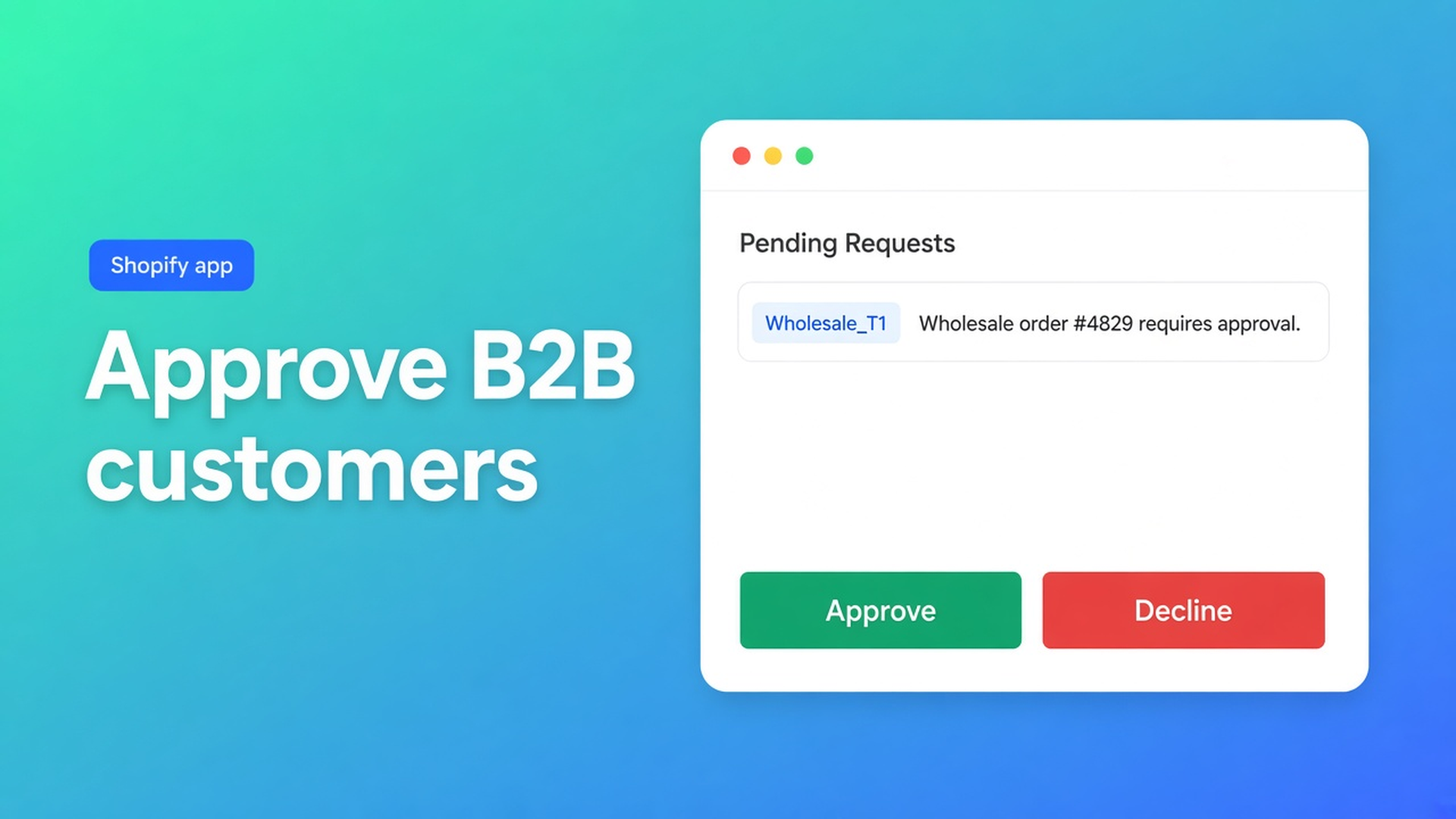
Listing approval is therefore not “the app tags by itself”. You attach `Wholesale_T1` (or refuse and attach nothing). No tag, no form; no form, no wholesale price.
Common B2B setup mistakes names the failure after sloppy approval: form on all customers, overlapping tags, testing as admin (visibility lies), bulk page missing from the menu.
Example: approve installers, keep consumers on retail
You sell installation hardware from the Netherlands. Consumers keep using the regular shop. Installers may order only after you have seen their company number.
Registration form live (listing: custom form + approval). Company name, KvK/VAT — whatever you need to decide. No net prices on that page.
Request arrives. You approve or reject. Rejected accounts get no group tag.
Approved buyers get `Wholesale_T1` in admin. Volume buyers get `Wholesale_T2` — own form, own tag; see multiple bulk forms.
Form T1 is visible to `Wholesale_T1`, for example a percentage off retail — one strategy, no mix of fixed + percentage in the same form.
Buyer logs in, opens “Wholesale order” in the menu. Logged out or untagged: no form.
Test with How to test visibility rules: private window, not as admin. Logged in with tag → form visible. Logged in without tag → hidden. Newly tagged customer after save + refresh. Edge: customer with two tags, or assigned to another form.
Turn the bulk form `On` and put it on the theme. Enabled is not the same as visible on the storefront.
Getting started
Install OO - EU B2B & Wholesale.
Define groups before you build forms. Unique tags, one form per group.
Set up registration + approval. Show no wholesale prices before approval.
After yes: tag in Shopify admin. Visibility on tags, never “All customers” for B2B rates.
Bulk order page in navigation.
Test: new request, reject, approve, log in, order.
Net terms, VIES and volume discounts are on the listing; this article stops at the approval gate.
Wrap-up
Shopify B2B customer approval is review plus a tag, not only a signup page. OO B2B ships approval flows on the listing; docs hang access on logged-in customers with a unique group tag and one bulk form. Retail keeps the regular product price. Wholesale sees the rate only after your yes.
Put the first T1 tag on a test account, walk the private window, then open the queue with OO - EU B2B & Wholesale.

The Shopify Select partner for ambitious e-commerce businesses that want to grow!


Services
Reviews
5/5
Mail: info@onlineorigins.nl
Tel: 073 234 0612
KVK: 89825624
BTW: NL865123639B01
Bruistensingel 500,5232 AH 's-Hertogenbosch Cookies
© 2026 Online Origins