
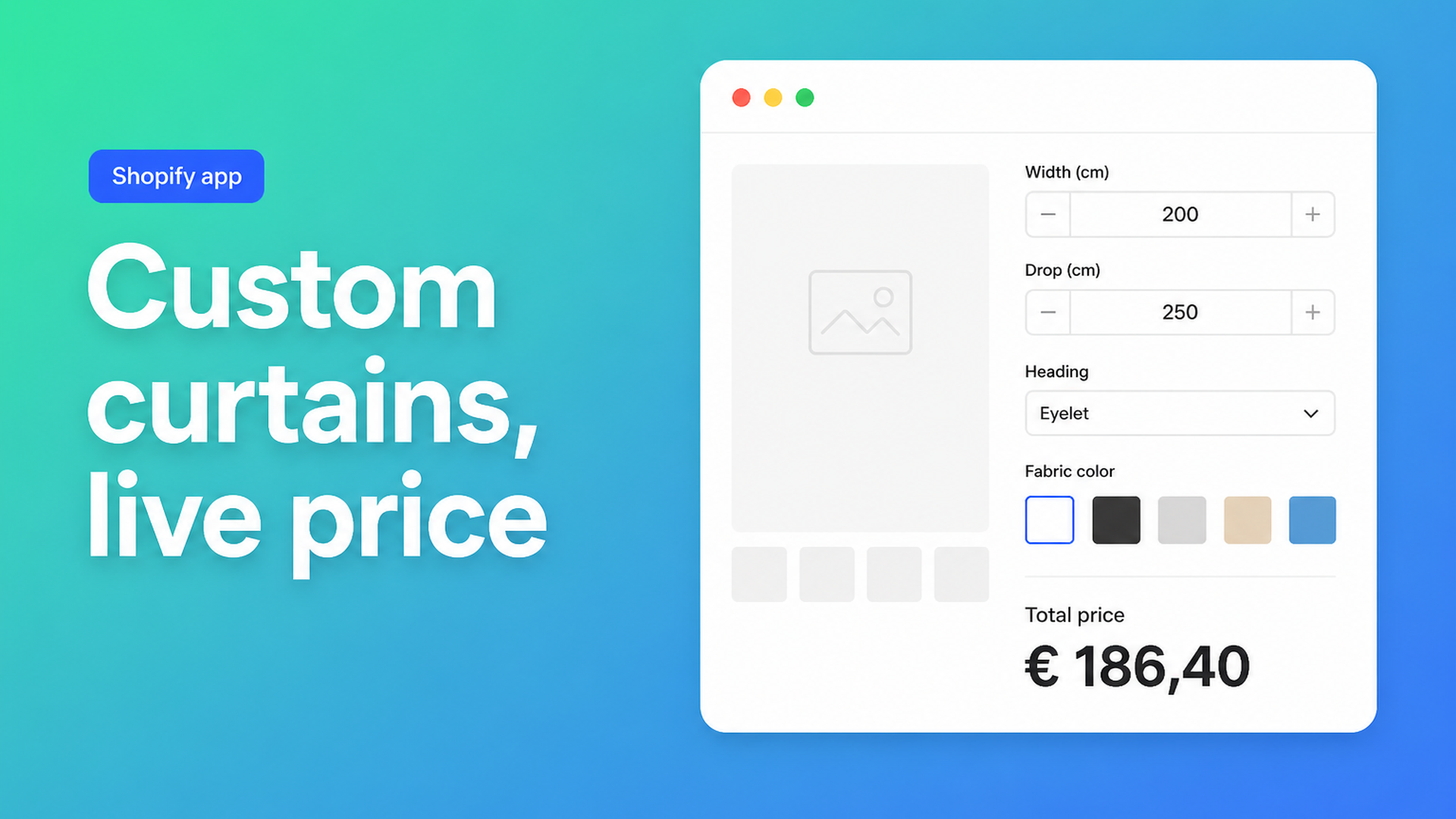
Custom curtains Shopify calculator: width, drop and heading without extra variants
A custom curtains Shopify calculator is what shops want when a customer measures a bay window, picks a heading and a cloth, and expects the product page to show the price. Shopify’s native product model does not do that. You get three options, a 2048-variant ceiling, and no field for a typed centimetre.
This article is for curtain workrooms, fabric retailers, and window-treatment shops that cut after the order. You will see why a drop dropdown and a pasted Excel grid fail, how fullness belongs in a formula, and how Options Price Calculator puts width, drop, heading and lining on the product page without a SKU per combination.
We covered the general pattern in made-to-measure products on Shopify. This piece is the curtain version: headings, fabric widths, and running-metre (or yard) math.
Three options will not hold a curtain configuration
Shopify Help Adding variants is the rulebook:
Each product can have up to three options (Size, Color, Style, and so on).
Each product can have up to 2048 variants.
The variant cap moved from 100 to 2048 in October 2025 (Shopify changelog). That helps a T-shirt with many sizes × colours. It does not help drapery. A realistic curtain needs:
Width (continuous cm, mm, or inches)
Drop / length (continuous)
Heading (pencil pleat, double pinch, wave / ripplefold)
Fabric (dozens of cloths)
Lining (unlined, thermal, blackout)
Optional hardware: pole, rings, returns
Items 1–2 are not dropdown values. Items 3–6 already spend the three option slots. A variant per centimetre is a non-starter: 80–400 cm in 1 cm steps is 321 widths *before* drop and cloth. Soft-furnishing merchants have asked for this for years. In How can I add a custom sizing feature for blinds and curtains? a merchant wants width × drop on the product page and a price back — from a banded table or a formula. In Thinking of Moving SR Blinds to Shopify the same limit shows up: Shopify has no native made-to-measure price.
What curtain shops try first
Ready-made drops as variants
“54 × 84” and “108 × 96” as Size. Fast in admin, useless for a 103-inch patio door. Shoppers between two drops email you or leave.
A price grid, theme fields, or a quote
Width bands × drop bands, as in that community thread (“up to 600 mm” × “up to 900 mm”), still explode once you use real centimetres. Inventory per cell is meaningless — you buy rolls, not a 187 × 248 SKU.
`<input name="properties[Width]">` stores the measurement on the line item. The price does not change. A voile at 90 cm and a blackout pair at 340 cm ring up the same unless you add a calculator or a Shopify Function. Email quotes kill Shop Pay and abandoned checkout; repeatable fullness × metre rules should not wait on a human.
Fullness is a multiplier, not another variant
Curtain money is rarely “width × height × rate” on its own. Workrooms price fabric consumption:
Track width × fullness = cloth width required. Pencil pleat is often ~1.5×, double pinch ~2×, wave / ripplefold ~2.2× — *your* factors, not a universal constant.
Widths of cloth: a 137–140 cm roll means you divide by 1.4 and round up.
Drop + hem allowance × number of widths = metres (or yards) of fabric.
Cloth price for the selected swatch, plus lining, plus optional hardware.
Native variants cannot multiply those inputs. You need number fields, a dropdown or swatch with a numeric value, and a formula.
Options Price Calculator is built for that split: unlimited fields on the product page, a live total, no extra variant per choice. It is Built for Shopify (listing: 5.0 from 22 reviews). Conditional logic, live preview, and a real-time price breakdown are Premium. AI-assisted field and formula generation sits on Starter and above.
A practical field set for one curtain calculator:
| Field | Type | Job in the price | |-------|------|------------------| | Width | Number Input, key `width` | required, min/max | | Drop | Number Input, key `height` | same | | Heading | Dropdown, key `fullness` | `1.5` / `2` / `2.2` | | Fabric | Swatch | rate per metre or multiplier | | Lining | Checkbox or dropdown | `0` or a per-metre add-on |
Pick a unit system and stick to it: metres in the formula (`width / 100` if the label is cm), or a per-inch rate. The formula builder supports `+ - × ÷ ( )` and helpers such as `Math.ceil`.
Simple running-metre model (width in metres, cloth rate on the swatch):
``` product_price + (width * fullness * fabric) ```
Workroom model with 1.4 m fabric width and a 25 cm hem:
``` product_price + (Math.ceil((width * fullness) / 1.4) * (height + 0.25) * fabric) ```
`product_price` can be 0 if the formula is the whole ticket, or a fixed making / fitting charge. A lining checkbox with value `8` (currency per metre) adds:
``` product_price + (width * fullness * fabric) + (width * fullness * lining) ```
If you truly sell by area with no heading factor, the pattern in Shopify price per square meter is enough. Curtains usually are not: heading fullness drives cloth, not just the glass area.
Premium conditional pricing is for thresholds, not the base formula: `width > 200` at a higher rate (more joins, handling), or a floor so an 80 cm voile cannot undercut sewing cost. A live preview of cloth on a dummy drape is Premium too. Label it that way in your plan.
The calculated price is validated server-side; it is not a browser-only display trick. Width, drop and heading travel on the line item so the workroom sees the same numbers as checkout.
One 140 cm cloth, worked through
Blackout drapes, 140 cm roll, swatch €32 / m, double pinch (factor 2), window 2.40 m × drop 2.60 m, hem 0.25 m, unlined.
Cloth width needed: 2.40 × 2 = 4.80 m
Widths of fabric: `Math.ceil(4.80 / 1.4)` = 4
Metres: 4 × (2.60 + 0.25) = 11.4 m
Cloth: 11.4 × 32 ≈ €365, plus any `product_price` for track or making
That is one product, one calculator, zero extra variants. A “linen” versus “velvet” collection can stay a native variant if you want a real cost SKU and photo per cloth — link a calculator per variant — or keep one calculator and let the swatch carry the metre rate. Reserve native variants for what you actually stock (a pole SKU, a ready-made voile), not for a 2.37 m drop.
Heading + lining + hardware is more than three choices. Those belong beside SKUs. See Shopify more than 3 product options.
Get it on the product page
Install Options Price Calculator. Free: 20 uses, always free on a Shopify Develop store. Starter ($9.99/mo) for unlimited options, the formula builder, and AI. Premium ($14.99/mo) for conditional logic, font picker, live preview, and price breakdown.
Add the app block on the product template, under the price and above Add to cart — How to Add the Extension to the Product Page.
Create the five fields above. Number inputs: label `Width (cm)`, a default window size, min/max so a 12-metre run cannot check out by accident.
Enter the formula and test preview values (2.40 × 2.60, both headings). Round only at the end with `Math.round` if you want whole currency units.
Link the calculator to the curtain variants. A whole collection at once: bulk linking.
Themes differ: use the selector picker if price or Add to cart does not bind on its own.
Wrap-up
A custom curtains Shopify calculator is not a bigger variant limit. Typed width and drop, a fullness factor, and a cloth rate are not SKUs. Keep poles or a fabric collection as real variants; put the rest in fields plus a formula.
Put that calculator live with Options Price Calculator and let shoppers configure the window instead of waiting for a quote.

The Shopify Select partner for ambitious e-commerce businesses that want to grow!


Services
Reviews
5/5
Mail: info@onlineorigins.nl
Tel: 073 234 0612
KVK: 89825624
BTW: NL865123639B01
Bruistensingel 500,5232 AH 's-Hertogenbosch Cookies
© 2026 Online Origins