
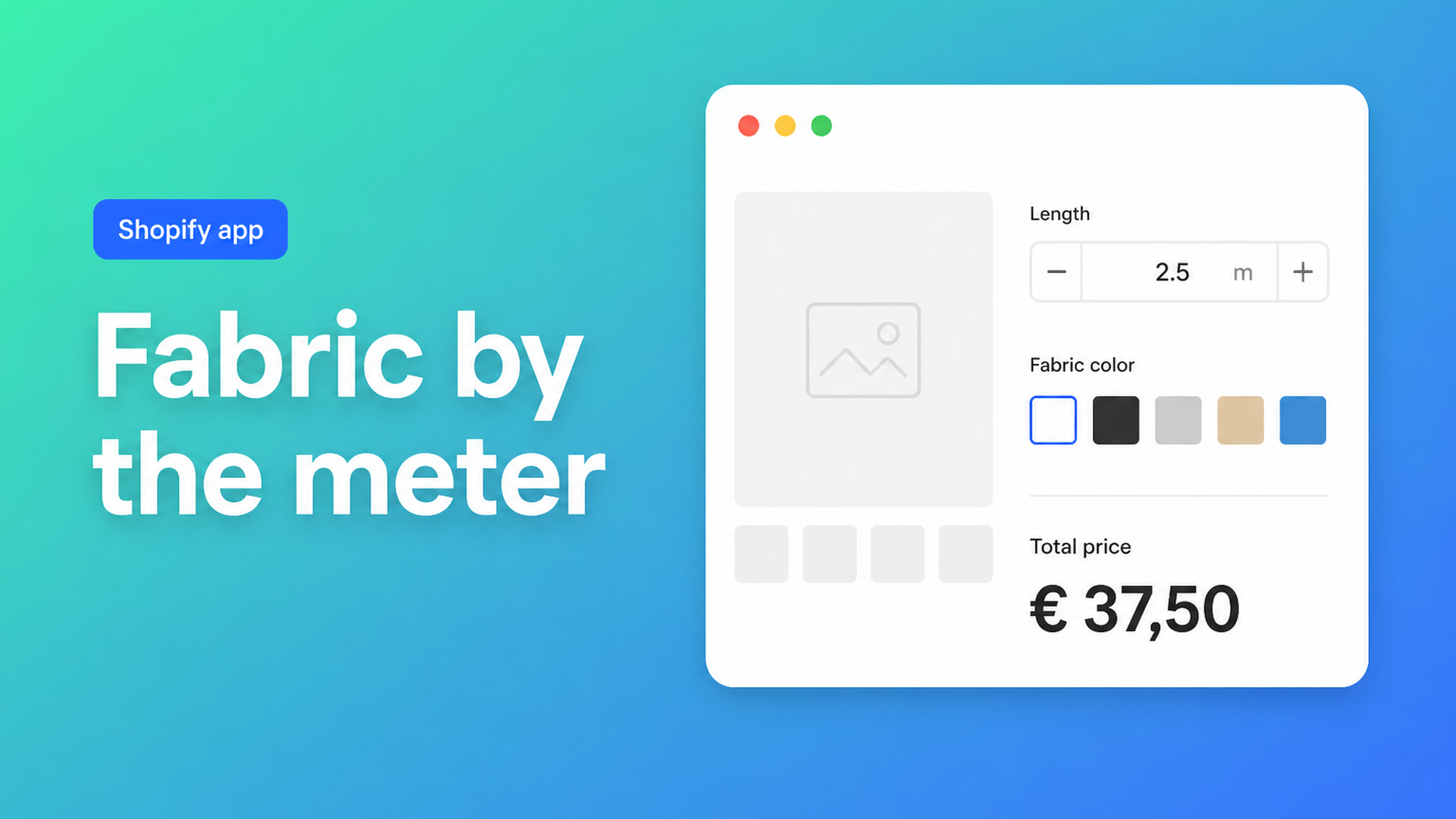
Sell fabric by the meter on Shopify without length variants
To sell fabric by the meter on Shopify, you need more than a product price labeled “per metre.” Customers expect to type 2.5 m or 15.3 m, see the total update, and check out. Shopify’s native model expects whole-number quantities and fixed option values. Turn every common cut into a variant and your Color × Length matrix grows faster than you can manage inventory or feeds.
This guide is for fabric retailers and textile wholesalers who want a meter (or yard) input on the product page with a price that holds through cart and checkout. You will see why length variants and “quantity equals meters” hacks break down, and how Options Price Calculator puts a number field and a live formula on the page without a SKU per cut.
We covered area pricing in Shopify price per square meter. Here the focus is one dimension: linear meters (or yards), plus color and optional cutting fees.
Why continuous length does not fit Shopify variants
Shopify Help Adding variants is unambiguous:
each product may have up to three options (for example Color, Material, Finish);
each product may have up to 2048 variants.
The variant ceiling rose from 100 to 2048 in October 2025 (Shopify changelog). That helps apparel grids. It does not help fabric. A bolt comes in many colors; buyers ask for 2.3 m or 40 m — not a dropdown of fifty preset lengths. Continuous length is not a SKU. Creating a variant for every 10 cm step is unworkable, and your three option slots are often already spent on color, width, and quality before “cut length” even appears.
Merchants keep hitting the same wall. In Dynamic Fabric Product Options Template, a shop wants cut-by-the-metre *and* fixed rolls — 14+ colors, 10–15 rolls per color, plus a cut fee under 40 metres. On the developer forum, How to Manage Inventory and Cart Quantity in Decimal Values is clear: Shopify stock is integers; 1.5 meters is not a native quantity.
Workarounds fabric shops try first
Length as a variant option
Values like 0.5 / 1 / 1.5 / 2 / 3 / 5 m. Fine for gift packs. The first customer who needs 2.75 m for curtains still emails you. Every extra length × color is another SKU, feed row, and inventory cell you do not want to babysit.
Quantity equals meters
You set the product price to “per meter” and tell shoppers to enter meters in the quantity box. Shopify quantity is a whole number. Half meters force awkward unit rewrites (“order 15 units for 1.5 m”) or rounding. Reports get noisy; the product page feels like a homework problem.
Line item properties that never change price
A theme field `properties[Meters]` stores the string on the order. Fulfillment can read 2.3 m — checkout still charges the variant price. That gap is the same one we document in Shopify line item properties do not change price.
Manual quotes
Reliable for large B2B bolts, slow for retail — the shopper is already on the product page waiting for a reply.
A number field and a formula instead of length SKUs
Keep native variants for what you actually stock: color, quality, roll width. Continuous cut length, cutting fees, and optional finishing belong in product options with a formula.
Options Price Calculator is Built for Shopify. Add a number input labeled “Meters” (or “Yards”). The formula builder updates the price as the shopper types. The docs’ quantity example from pricing formula examples is the pattern:
``` product_price * quantity ```
If your field key is `meters` and `product_price` is the per-meter rate:
``` product_price * meters ```
Add a cut or handling fee with a checkbox numeric value (same pattern as gift wrap in the docs):
``` (product_price * meters) + cut_fee ```
Link the calculator per variant so linen and cotton each keep their own meter rate through the variant price while sharing one calculator structure.
Min/max, whole meters, and decimals
Always set minimum and maximum on the number field (docs recommendation). A 0.5–1 m floor stops wasteful snips; a 40–50 m ceiling matches what you will cut from one bolt.
Shopify inventory is whole numbers. Two honest setups:
Whole meters only — enable *Is quantity input* on the number field. The entered value becomes the cart-line quantity and inventory moves with it.
Decimals (1.5 / 2.25 m) — leave Shopify quantity at 1, put meters in a regular number field used by the formula, and let fulfillment read the line item. Track bolt stock in your process (or in 10 cm units). Do not claim Shopify supports fractional inventory natively.
Cut fee under a threshold (Premium)
That community fabric thread wants +$30 when the cut stays under 40 metres. That is conditional pricing — a Premium feature. Pattern: if `meters < 40`, add a fixed fee; otherwise skip it. The same plan covers a minimum order value when the formula lands below your floor. Do not present conditional logic as Free or Starter.
Example: organic cotton with color variants
You sell organic cotton, 140 cm wide, €12.50 per meter. Twelve colors are real stock SKUs → one Shopify option Color, twelve variants. On the product page:
Number input `meters` — label “Length (m)”, placeholder `e.g. 2.5`, min `0.5`, max `40`, required.
Optional checkbox “Pre-cut for shipping” with a numeric cut fee.
Formula: `product_price * meters + cut_fee` (unchecked checkbox = `0`).
Theme app extension below the price, above Add to cart — see How to Add the Extension to the Product Page.
Shopper picks “Petrol”, types `3.5`, sees €43.75 (plus cut fee if checked), checks out. The order carries color, meters, and the calculated price — no 12 × 8 length matrix.
The same pattern fits ribbon or bias tape. For area products, use width × height — see the m² guide. Selling both cut and pre-sized rolls? Keep rolls as variants and use the calculator for the cut path; conditional if/then pricing is Premium.
Getting started without splitting your catalog
Install Options Price Calculator. Free plan: 20 uses (always free on a develop store); Starter from $9.99/mo for unlimited options and the formula builder.
Add the app block on your fabric product template in the theme editor.
Build one calculator: meters number field, formula `product_price * meters`, min/max set.
Link it to your color variants (bulk linking helps when you have dozens of fabrics).
Preview 1 m, 2.5 m, and your max — confirm cart and checkout.
Optional Premium: conditional cut fee or minimum spend; real-time price breakdown so shoppers see meter rate vs. fees.
Server-side price validation is an app-wide safety setting. Include meters in the order confirmation so your cutting bench sees the same length as the customer.
Closing
To sell fabric by the meter on Shopify, stop growing a length-variant grid and stop forcing the quantity box to pretend it is a tape measure. Use one number input, a clear formula, and variants only where you track stock by color or quality.
Put that meter input live with Options Price Calculator and let customers cut instead of waiting for a quote.

The Shopify Select partner for ambitious e-commerce businesses that want to grow!


Services
Reviews
5/5
Mail: info@onlineorigins.nl
Tel: 073 234 0612
KVK: 89825624
BTW: NL865123639B01
Bruistensingel 500,5232 AH 's-Hertogenbosch Cookies
© 2026 Online Origins