
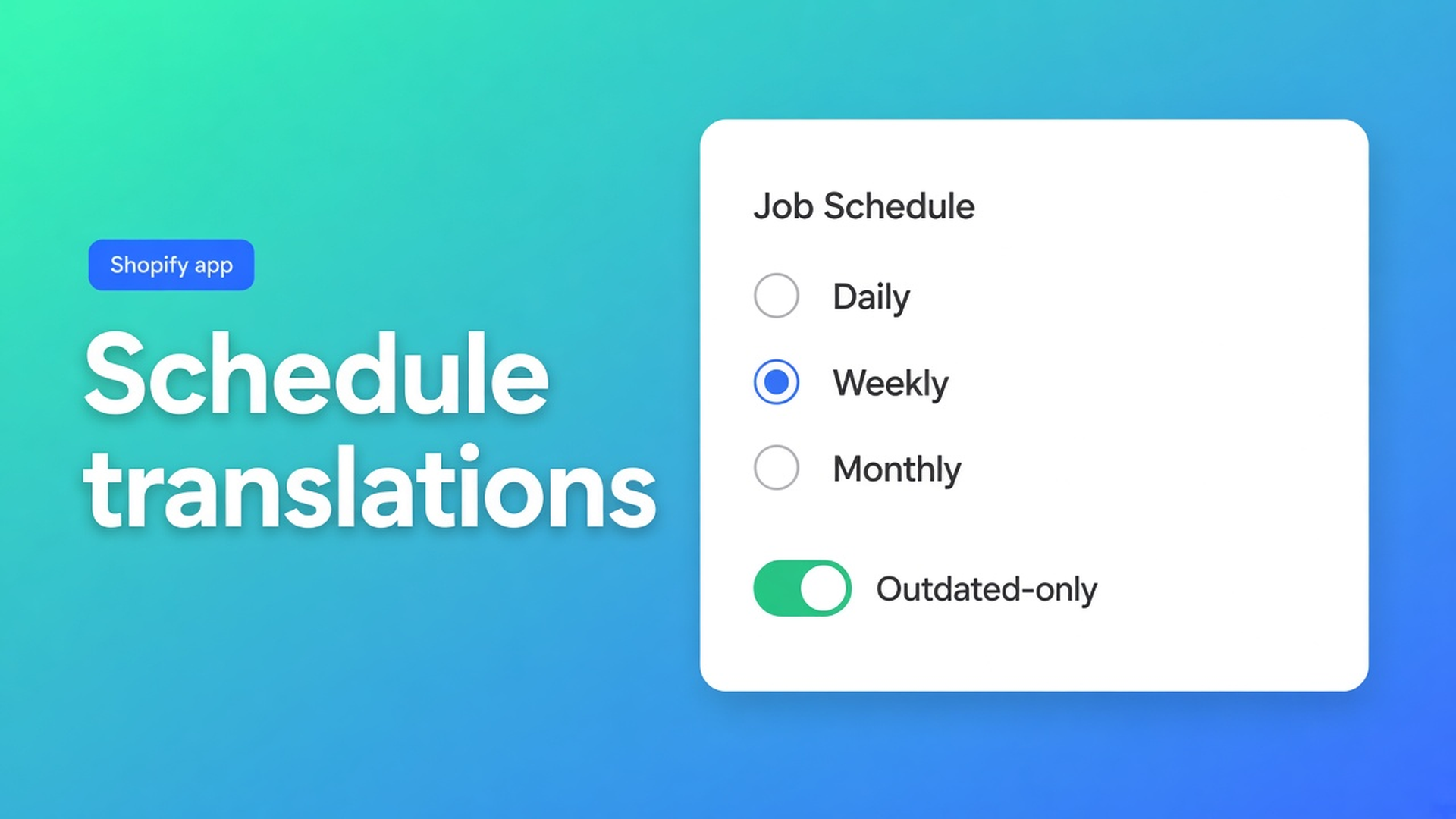
Schedule automatic Shopify translations (daily, weekly, or monthly)
German is live. The first job finished. Tomorrow someone edits twenty titles. The day after, DE is stale again. To schedule automatic Shopify translations is to put that lag on a clock: daily, weekly, or monthly, without hitting Run every morning.
That clock is not on Free. OO - Ultimate AI Translations says so on the listing: Free is $0 with your own AI, unlimited languages/markets/translations, and a language switcher. No scheduled translation jobs. Professional ($10/month + usage) adds a monthly schedule. Plus ($20/month + usage) daily. Weekly is the same job family (daily / weekly / monthly) the listing names. The free plan with your own AI is the other article. This one is the clock, and why the first schedule should be Outdated only.
0 reviews. Do not invent a score. Launched 14 October 2026.
Publishing a language is not keeping it current
Shopify languages and markets turn a storefront locale on. They do not re-translate titles you changed yesterday. Translate & Adapt or a CSV is a snapshot. Every catalog edit creates “outdated”: source newer than the translation.
Manual: Home → job. Fine until peak season. Then you skip theme strings, metaobjects, a draft theme. The listing pitch is scheduled runs across products, pages, theme content, and metaobjects, including draft themes. Manual edits you saved stay locked.
What merchants do until DE drifts
A Monday job, by hand. Until someone is off. Missing + Outdated in one blast: the AI bill spikes because you send never-translated fields *and* titles you rewrote yesterday.
CSV round-trips. Handles and URLs get translated, or you skip them and the rest is stale before you export again.
Stay on Free and “we’ll click.” Allowed. Free has no schedule. Quick start: start with one language and a small content type before scheduling daily jobs. Daily is Plus. Monthly is Professional. Free = you start the job.
Clock, locks, Missing vs Outdated
What is OO Translations?: side-by-side editor, automatic jobs for missing or outdated, locks so scheduled/automatic jobs never overwrite copy you wrote, glossary and brand voice, backups, language switcher, metaobjects. Dashboard setup guide, or Jobs for progress, skipped, failed.
Listing USPs that matter here:
Jobs daily / weekly / monthly
Content: products, pages, theme, metaobjects, draft themes
App AI pass-through ~$0.01/unit on Professional/Plus, or your own model
Glossary + tone of voice
Backups: Professional 1+1, Plus 5+5. Free: none
Locks on saved editor fields
Jobs skip: handles, URLs, IDs, SKUs, barcodes, size codes (S/M/L), JSON, empty source, locked fields. On purpose. `/products/linen-curtain` must not become `/produkte/leinen-vorhang`.
Outdated only for the first schedule: fields that already had a target and whose source changed. Fewer tokens. Missing fills gaps that were never translated — more AI credit, a fatter first run. Quick start: small content type first, then the clock. Product states in Settings: active only, or also drafts/archived/unlisted.
Timezone belongs on the schedule. Pick content types per job. Do not put the whole theme on daily if you only change titles.
Professional: monthly is that plan’s ceiling. Plus: daily. Weekly when daily is noisy and monthly is slow — on the plan that allows the frequency. Do not claim daily on Professional.
Your own AI works on every plan. App AI (not on Free) is pass-through, listing $0.01 per unit. A schedule burns credits; Outdated keeps the bill boring.
Connect AI is still three fields for a custom model: base URL, key, model. Backup before a large first run: Professional/Plus, not Free.
Example: NL catalog, DE live, FR next month
German is published. The French market is ready, locale still unpublished — you can still put it in a job so copy exists before go-live (manage languages).
Professional or Plus, depending on monthly vs daily.
Glossary: brand, fabric names that must not translate. Brand voice: more formal German than your NL storefront tone.
DE titles marketing rewrote by hand: save in the editor → locked.
First schedule: DE, products, Outdated only, weekly or monthly. Theme and metaobjects after that is calm.
Jobs log: translated / skipped / failed. Skipped handles are success. Failed: key, model, provider credit.
FR: job without publishing the storefront. Switcher only once the locale is live.
Include a draft theme when you are building a seasonal theme: the listing puts draft themes in scheduled runs. Copy is ready before you publish the theme.
Start the clock
Install OO - Ultimate AI Translations. Free for manual jobs; a schedule needs Professional or Plus.
One language, small content type, Outdated. Read Jobs.
Locks on human copy.
Then the clock: monthly (Professional) or daily (Plus). Weekly if that matches the catalog.
Missing as a deliberate catch-up, not the default every night.
The language switcher can stay on Free. It is not a schedule. Preview it only after the locale is published; a job may run earlier. If the control is missing on the live theme, check the app embed or theme block — that is storefront setup, not the Jobs log.
Wrap-up
To schedule automatic Shopify translations is a clock on Outdated, with locks on what you wrote. Free translates with your own AI and will not start the job for you. Professional is monthly; Plus is daily. Missing fills gaps and costs more. OO - Ultimate AI Translations puts products, pages, theme, and metaobjects on that clock — handles and SKUs stay put, and so do your saved edits.

The Shopify Select partner for ambitious e-commerce businesses that want to grow!


Services
Reviews
5/5
Mail: info@onlineorigins.nl
Tel: 073 234 0612
KVK: 89825624
BTW: NL865123639B01
Bruistensingel 500,5232 AH 's-Hertogenbosch Cookies
© 2026 Online Origins