
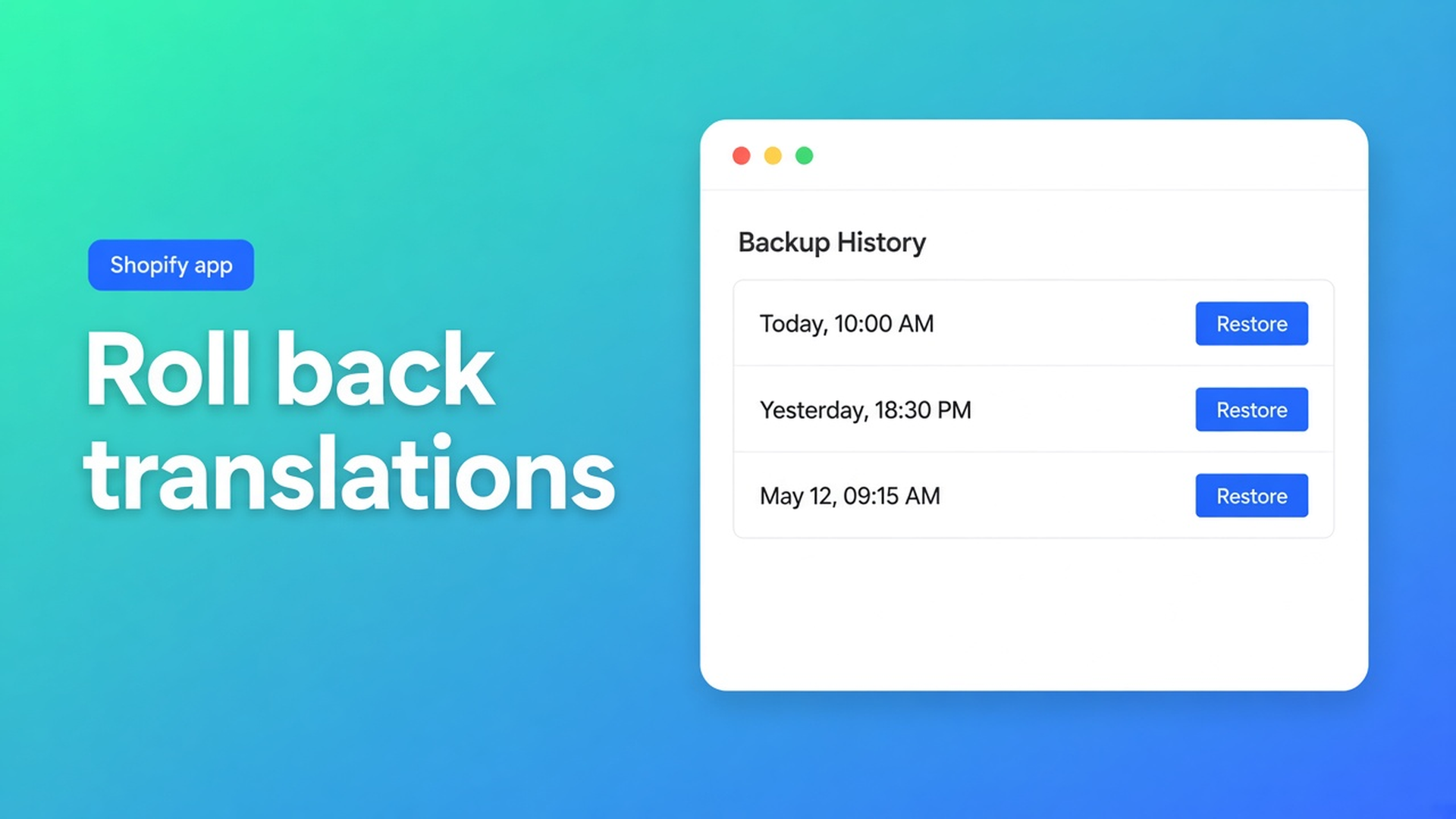
Restore Shopify translations from a backup
The job rewrote 4,000 titles. You had locked “collection”; everything else became a tone you do not ship. Shopify has no store-wide undo for locales. Restore Shopify translation backup is the restore point you create *before* that job — not a wish that locks covered every field.
OO - Ultimate AI Translations lists backups as a hero USP: manual and automatic restore points. Listing (1 Nov 2026): Free $0 — own AI, unlimited languages/markets/translations, language switcher; no backups, no scheduled jobs, no App AI. Professional $10/mo + usage — 1 manual + 1 automatic backup, monthly schedule, glossary, App AI ~$0.01/unit. Plus $20/mo + usage — 5 manual + 5 automatic, daily schedule. 0 reviews. Launched 14 Oct 2026.
Quick start step 4: Settings → Translation backups → named manual backup before the first large run. FAQ: you can keep 5 named manual backups; delete one before creating another. Automatic backups use a separate pool of 5. That 5+5 ceiling is Plus on the listing. Professional stays 1+1. Free has no backups — do not promise rollback on $0.
Related: market-specific translations. That is Across markets vs Adapt a market. This is rollback.
Locks are not a time machine
Saved editor fields stay locked. FAQ: automatic jobs will not overwrite them. Missing and outdated fields still go. A glossary miss on one brand name is enough. Without a backup, “undo” is hand-editing resources.
Things that are not translation backups:
A theme zip. It does not contain product locale strings.
A product CSV. Source language, not every market.
Locks only. Precise, incomplete. You want locks for approved lines and a backup for the rest.
A huge Free run. Free can translate with your own AI. It cannot restore. First bulk job belongs on Professional or Plus after a named backup, or you accept that rollback does not exist.
How backups work on each plan
Create: Settings → Translation backups → named manual. Do it before the first bulk job, and again before a risky change (new glossary, new brand voice, new AI endpoint).
| Plan | Manual | Automatic | Schedule | |------|--------|-----------|----------| | Free | none | none | none | | Professional | 1 | 1 | monthly | | Plus | 5 | 5 | daily |
FAQ “Manual backup limit reached” talks about 5 manuals + 5 automatic. That is Plus. On Professional the listing is 1+1. If the UI stops you at one, you are on Professional — delete or upgrade. Do not invent six slots.
Restore rolls back to that point. Do not claim per-language or products-only restore unless a dedicated backups article says so. After restore, check job history. Locked fields stay locked.
Other USPs stay adjacent: own AI or fairly priced App AI (~$0.01/unit), glossary and brand voice, scheduled jobs, styleable language switcher. The switcher does not roll translations back.
Opening DE and FR from a Dutch catalogue
1,200 products. Free was enough for a few collections on their own OpenAI key. Two new markets. They move to Plus for daily jobs and five manuals.
Glossary: brand names, forbidden wording.
Named backup `before-fr-de`.
Job: products, missing + outdated, DE and FR. Draft theme another night.
Spot-check 20 titles. One collection sounds like a calque.
Restore `before-fr-de`. Tighten glossary. Rerun a smaller content type.
Skip step 2 and step 5 is a winter of copy-editing. Automatic backups fill the Plus pool; they do not replace the named snapshot right before *this* job.
Locks: the hand-tuned DE SEO title on the home page stays locked either way. Unlock only if jobs should touch it again.
What restore is not. Listing and FAQ describe translation restore points. They do not say the snapshot rewinds your glossary, brand-voice prompt, or AI API key. Those stay in Settings. A backup is not a theme rollback and not a Markets reset. Do not advertise per-field undo.
Named vs automatic. Named is the timestamp you chose (`before-fr-de-2026-11-01`). Automatic fills a plan slot on a schedule. Before a scary job you want named. Automatic is the Plus pool of five (or the single Professional automatic) — not the name you paste in Slack.
Order with jobs. Quick start: publish languages → connect AI → products to translate → backup → optional glossary/brand voice → job. Skip step 4 on Free and restore never existed. Skip it on Professional and your only manual slot might already hold last month’s automatic.
Usage. App AI stays ~$0.01/unit on paid plans, billed at translation cost. Restore is not listed as a unit. The job after a restore is. Own AI on Free: provider cost, still no backup.
Keep the other USPs in view: locks, glossary, brand voice, schedules, language switcher. Backup is the net under that machine, not the machine.
Checklist
Professional or Plus. Free has no Translation backups screen that matters for restore.
Named manual backup, date in the name.
First job small (one language, products). Then wider.
Delete an old named backup before you hit the slot cap.
Bad tone → restore, not a second job on top.
Docs: Quick start, FAQ and limitations, OO Translations.
Wrap-up
Restore Shopify translation backup is a named restore point before the run, on a plan that includes backups. Free translates; Free does not roll back. Professional 1+1, Plus 5+5. Locks keep your edits; backups keep everything else.
Create it in OO - Ultimate AI Translations before Translate all. One name, one timestamp, then the job.

The Shopify Select partner for ambitious e-commerce businesses that want to grow!


Services
Reviews
5/5
Mail: info@onlineorigins.nl
Tel: 073 234 0612
KVK: 89825624
BTW: NL865123639B01
Bruistensingel 500,5232 AH 's-Hertogenbosch Cookies
© 2026 Online Origins