
Options Price Calculator Starter vs Premium: pick the plan that matches the formula
The calculator is on the product page. Width and height update. The total moves. Then someone on the team asks a billing question Shopify cannot answer: do we stay on Starter, or is Premium the extra five dollars a month?
Options Price Calculator Starter vs Premium is not a branding choice. It is whether your price is a straight expression or a rule — and whether the shopper needs to see the parts of that rule, or their text on the product image. The Options Price Calculator listing publishes three plans. Below is what each one actually unlocks, what native Shopify still refuses to do, and when upgrading is wasted money.
Yesterday’s post kept color as a SKU and the surcharge in the formula. This one sits one layer up: which plan that formula lives on.
Native Shopify does not care which plan you pay for
Adding variants still caps a product at three options and 2048 variants. The old 100-variant ceiling is gone. The three-axis ceiling is not. Color, size, material fill those axes. A millimetre, a file upload, or “if width > 200 then a higher rate” do not.
Theme line-item properties (`properties[Engraving]`) still do not change the price. No app plan fixes that by magic — the calculator exists because those properties are labels, not money. Options Price Calculator adds fields and a formula on top of `product_price` without minting a SKU per combination.
Built for Shopify, 5.0, 26 reviews. The *Pricing* category lists add-ons, variant upcharges, setup charges, dynamic pricing. Conditional pricing, live preview, and the font picker are Premium on the price card. Do not sell them as Starter.
What you are actually buying
Charges are USD through Shopify Billing. The in-app Plans page may show the store’s billing currency — trust that number. From the listing:
Free — $0. “Premium free” with a 20-use limit. Always free on a Shopify Develop plan.
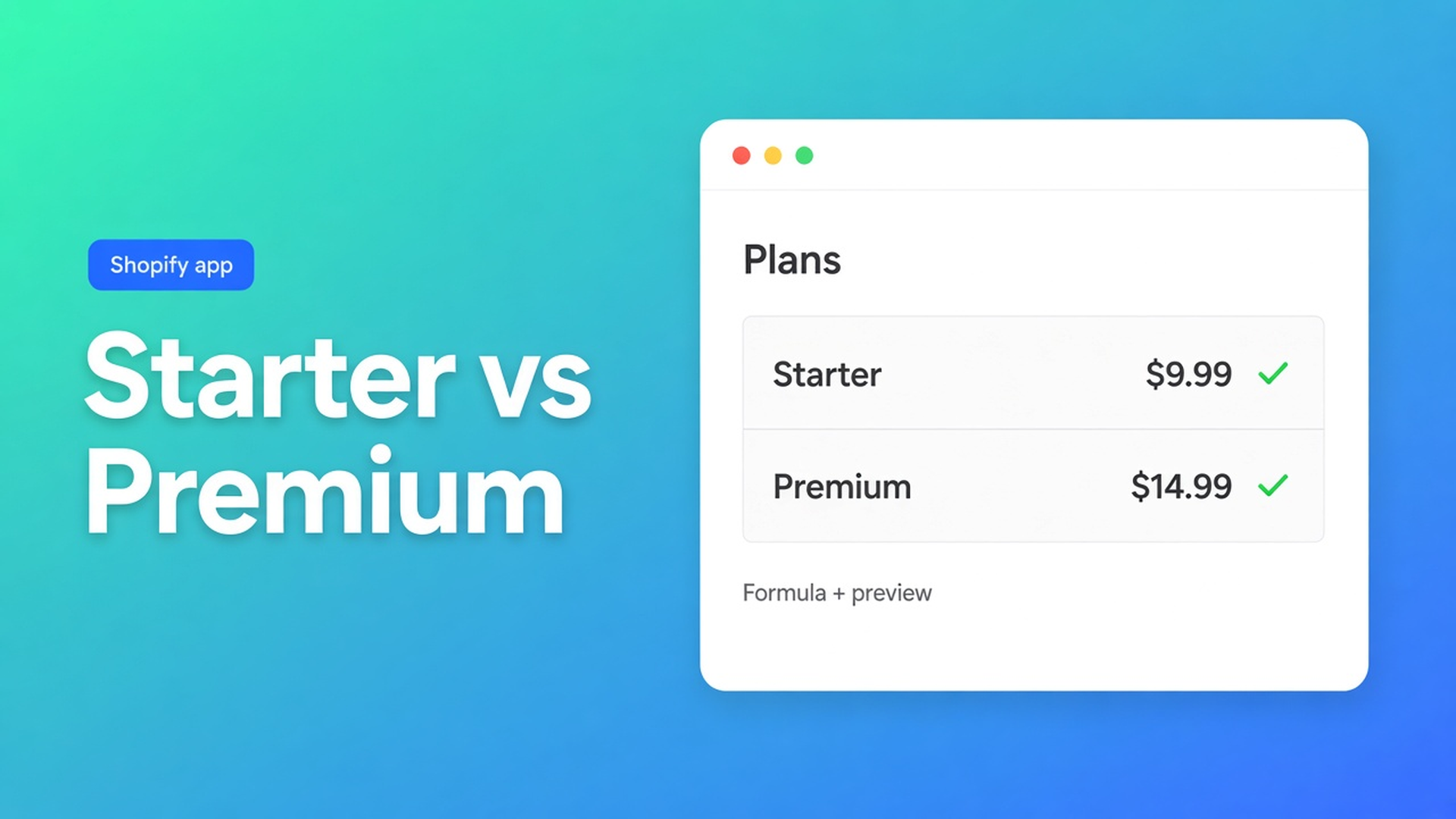
Starter — $9.99/month. Unlimited product options, AI-powered generation, advanced formula builder, drag-and-drop builder, metafield integration, unlimited embedded calculators, custom styling, multilingual support.
Premium — $14.99/month. Everything in Starter, plus conditional logic for dynamic pricing, Font Picker, Product Personalizer (live preview), real-time price breakdown (table or text), and Premium support.
Plans & usage limits adds the operational detail:
Free: one calculator, 20 calculated orders for the life of the plan, basic fields, the theme app extension, one AI generation. Hit the cap and shoppers cannot finish a calculated checkout until you upgrade.
Starter: unlimited calculators and calculated orders, all basic field types and standard formulas, unlimited AI, email support.
Premium: Starter plus conditional formulas, lookup tables (`lookup2d`), option images and customizer, Calculation display and Font picker fields, priority support.
Those 20 Free uses are a shop-level counter, not a daily courtesy. Starter and Premium drop that lifetime cap.
Starter is enough for a live, honest total
You do not need Premium to sell cut-to-size wallpaper or a gift-wrap add-on. The formula examples that stay on standard formulas:
``` product_price + (width * height) product_price + gift_wrap product_price + 25 + (width * height) product_price * material_type ```
A checkbox resolves to its configured value or `0`. A dropdown resolves to the selected option’s number. `product_price` is the active variant. A file-upload handling fee is `product_price + file_upload`.
Starter also includes swatches, numbers, dates, radios, multi-select, custom text, size charts, numeric metafields in the formula (`product_metafield__{ns}__{key}`), translated option labels, and AI that drafts fields or a formula. The theme app extension sits on the product page. Server-side price validation is part of the app, not an upsell.
Linking is still per variant. Same calculator on eight colors: bulk link. A different rate per material: a second calculator — or a Premium conditional if you *want* one formula with a branch.
A metal-sheet shop with three gauges as variants, width × height, and a $25 setup fee can stay on Starter forever. The shopper sees the total. Checkout gets the calculated amount. No SKU per millimetre.
Premium is the branch, the picture, and the itemised total
Premium starts when the expression is no longer enough. Docs mark these as Premium conditionals:
A floor: if `product_price + width * height` drops below 100, charge 100.
A size tier: `width > 200` uses a higher area rate.
A surcharge that fires only when an option is on: `premium_finish == TRUE` then `product_price + 20`.
That is conditional pricing. Starter can add a checkbox fee. Starter cannot say “only above 200 cm, otherwise the old rate.”
The listing then adds shopper-facing Premium pieces:
Product Personalizer — live preview. Text, font, or a file on the product image. See live preview for personalized products. Not Starter.
Real-time price breakdown, table or text, so $186 is not a mystery. Breakdown.
Font Picker for engraving and similar text options. Font picker.
Premium support.
Docs also put lookup tables (a 2D price matrix, no cell-per-variant) and option images on Premium. Those are not the same as live preview. Separate topics; for this comparison it is enough that they are locked without Premium.
Do not upgrade because the app’s marketing bullets mention conditional logic. Those bullets describe the product. The price card puts that logic on $14.99.
Two catalogs, two honest answers
Catalog 1 — rubber flooring by the square metre. Variants are colour (stocked). Fields: width, height, optional underlay checkbox ($12). Formula `product_price + (width * height) + underlay`. No branch. No image overlay. No itemised table. Starter. Use Free only to prove one SKU: one calculator, twenty calculated orders, then checkout stops.
Catalog 2 — a cutting board with laser text. Variant is wood species. Fields: length, width, personalisation text, typeface, a “deep engrave” toggle. Deep engrave adds $18. Boards over 60 cm on the long side use a higher area rate. The shopper needs the name on the photo and a breakdown that lists area, engrave, and the large-size tier. That is conditional + Font Picker + Personalizer + breakdown. Premium. Starter will put the name on the line item. It will not branch the rate or paint the preview.
Both shops stay inside three Shopify options. Neither builds a variant per centimetre. The plan follows the *rule*, not the field count.
How to choose without buying “just in case”
Install Options Price Calculator. Stay on Free while you prove a single product.
Write the formula you actually need. Preview with dummy values. Round once at the end (`Math.round`, `ceil`, `floor`).
If the sentence in your head starts with “only when…” or “once it is wider than…” or “never below $100”, you are on Premium. A checkbox add-on is not.
If the shopper must see the result on the photo, or the lines that make the total, you are on Premium. A live *total* alone is Starter.
Link the calculator to each variant. Theme editor: app block under the price. Place a test order — until Free’s counter trips, or until Starter/Premium checkout matches the page.
Upgrade in the app → Plans. Shopify collects the charge. Builder badges that say Premium stay locked until you do.
Do not claim the block “just works on every theme.” The selector picker exists because themes print the price in different places.
Wrap-up
Options Price Calculator Starter vs Premium comes down to one test: is the price a sum, or a condition? Free is a twenty-order trial (Develop stays $0). Starter covers unlimited options, formulas, AI, metafields, and translated labels — including area pricing, setup fees, and a simple add-on. Premium is conditional logic, Font Picker, live preview, price breakdown, plus the docs extras (lookups, option images).
Shopify still stops at three options and 2048 variants. The calculator goes around that limit; it does not raise it. Pick the plan in Options Price Calculator from tomorrow’s formula, not from the longest bullet on the listing.

The Shopify Select partner for ambitious e-commerce businesses that want to grow!


Services
Reviews
5/5
Mail: info@onlineorigins.nl
Tel: 073 234 0612
KVK: 89825624
BTW: NL865123639B01
Bruistensingel 500,5232 AH 's-Hertogenbosch Cookies
© 2026 Online Origins