
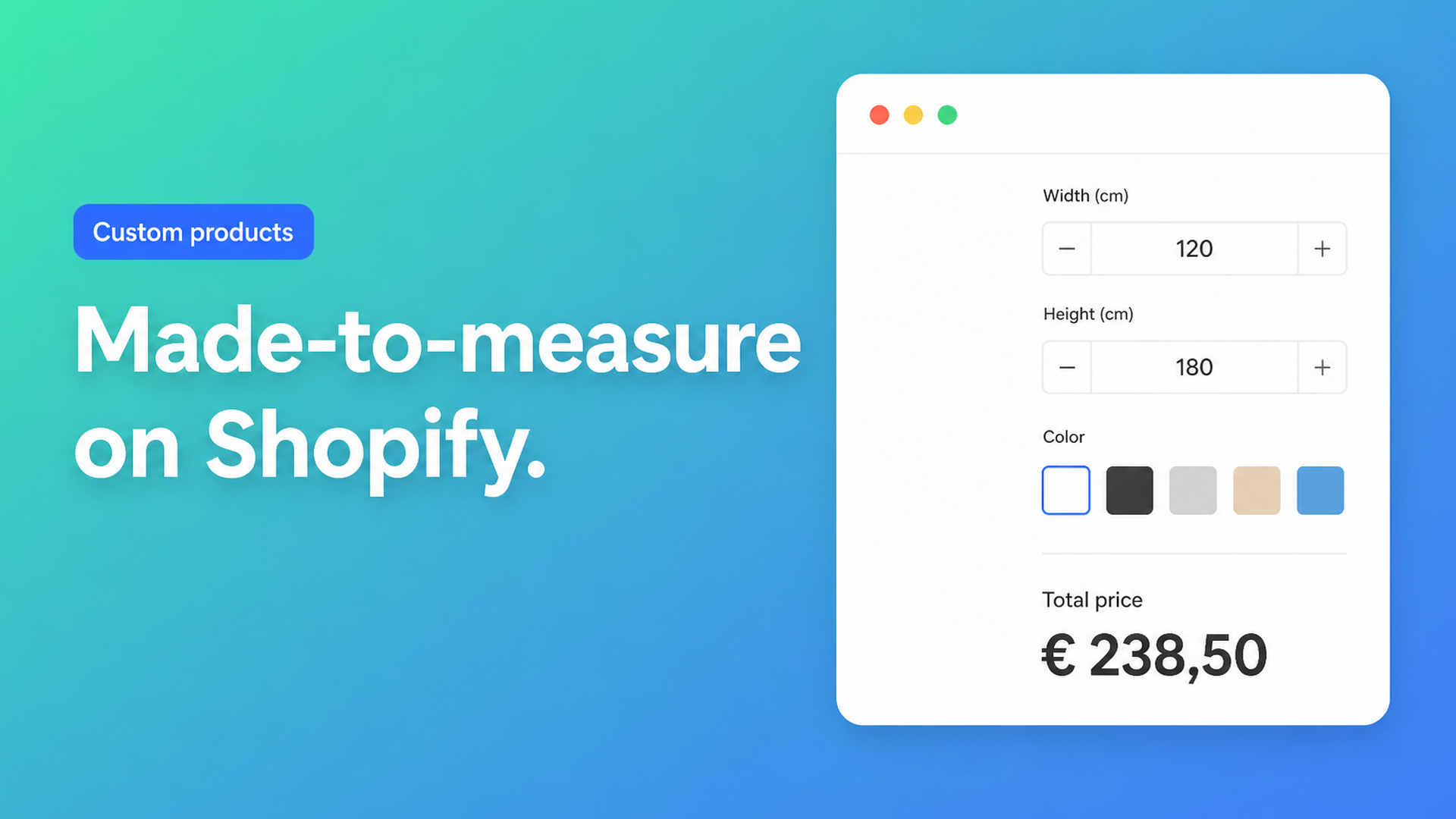
Made-to-measure Shopify: custom sizes without a variant per millimetre
Made-to-measure Shopify is not a checkbox in admin. You need the shopper to type a width and a height — 1874 mm is a normal order — and you need the product page price to follow. Native variants are for discrete SKUs: Small/Medium/Large, oak/walnut, left/right. A millimetre is not an option value. You cannot, and should not, invent a variant for every length your workshop can cut.
This article is for merchants who sell worktops, insect screens, window film, shutters, or anything else cut after the order. It covers why raising the variant cap does not create a continuous size range, why a theme measurement form does not change checkout, and how Options Price Calculator puts number fields and a formula on the product page.
We already covered selling custom products on Shopify — personalisation, add-ons, extra choices. This piece is only about continuous dimensions.
Variants stop where a tape measure starts
Shopify Help Adding variants is the current rule set:
each product can have up to three options;
each product can have up to 2048 variants.
The variant ceiling moved from 100 to 2048 in October 2025 (Shopify changelog). That helps a fashion SKU with dozens of sizes and colours. It does nothing for made-to-measure: 400–2400 mm already means two thousand widths, before depth and timber. You spend all three option slots on a grid that still cannot accept a real kitchen run.
Forum threads keep asking for that missing continuum. How to Create Customized Size in product variant wants shoppers to type centimetres. Want Custom size form in products details page needs a clothing form that appears when “Custom” is selected. CUSTOM SIZE OPTION is S/M/L plus a Custom value that reveals extra inputs. Replies split into Liquid `properties[...]` versus an app. Only the app path can move the price.
Workarounds that stall made-to-measure
A variant for every cell in the price grid
You paste the spreadsheet (width × height) into Shopify. Ten steps per axis is still manageable. Real millimetres are not. Inventory per cell is fiction. The shopper faces a dropdown with hundreds of rows instead of two number fields. Feeds and discounts become noise.
Line item properties in the theme
`<input name="properties[Width]">` is cheap. Shopify stores the string on the line item; fulfillment can read it. The price does not change. An 800 × 800 mm screen and a 1800 × 1400 mm screen pay the same variant price until you add a calculator or a Shopify Function. That is the trap in almost every “custom size without an app” thread.
Quote by email
The customer sends measurements, you calculate in a sheet, you send a draft order. Fine for one-off B2B. It kills self-serve checkout: no Shop Pay, no abandoned checkout, no Markets price the shopper can see. Repeatable rules (area × rate, min/max, setup fee) should not wait on a reply.
S/M/L plus “contact us”
Three native options stay tidy; the real size hides behind a form. Nobody who needs 1874 mm will buy “Large” and hope.
Number fields for size, variants for stocked SKUs
The split that scales:
Native variants for what you actually stock or purchase as a SKU: timber species, frame colour, a collection with its own cost.
Number inputs for width, height, depth — with min/max so impossible sizes never reach the cart.
A formula that turns those numbers into a live price on the product page.
Options Price Calculator is built for that split. It is Built for Shopify (listing: 5.0 from 22 reviews) and adds unlimited fields without extra variants. For made-to-measure you lean on the Number Input field: label `Width (mm)`, key `width`, required, negatives off, minimum and maximum set. Field keys become variables in the formula builder.
From the formula examples:
``` product_price + (width * height) ```
Base price plus area. If `width` and `height` are in metres (or you convert in the formula) and the rate lives in the product price or a metafield, this is already a working area calculator. For a pure square-metre rate without extra choices, see Shopify price per square meter.
``` product_price + 25 + (width * height) ```
A fixed setup fee (templating, packing, a cut charge) plus area.
A material dropdown whose option values are multipliers `1`, `1.2`, `1.5`:
``` product_price + (width * height * material_type) ```
Premium is for thresholds, not for the basic formula. Conditional pricing: a higher rate when `width > 200`, or a floor of 100 when the sum would otherwise undercut cost. Live preview (Product Personalizer) and a real-time price breakdown are Premium as well. AI-assisted field and formula generation sits on Starter and up. If the listing puts a feature on Premium, say so in your plan.
The app validates the calculated price server-side; it is not a display-only trick in the browser. Submitted measurements travel with the order, so the workshop sees the same millimetres as checkout.
Example: a kitchen worktop cut to length
You sell solid-wood worktops. The shopper measures the run. You need:
Length in mm (number, required, min 600, max 3600)
Depth in mm (number, required, min 400, max 900)
Timber (oak / walnut / beech) — keep this as a Shopify variant if each species is a real SKU with its own cost
Edge profile (square / bullnose / waterfall) as a radio or dropdown, with a numeric upcharge if a profile costs more to machine
Items 1 and 2 are continuous. Native Shopify cannot store that as variants. Item 3 belongs in variants when inventory or cost differs. Item 4 is a choice, not a millimetre.
If length and depth are millimetres and you charge €180 per m² plus a €35 cut fee:
``` product_price + 35 + ((length / 1000) * (depth / 1000) * 180) ```
`product_price` can stay at 0 if the whole amount comes from the formula, or hold a base that already includes a standard offcut. Preview 2000 × 600 mm versus 3200 × 900 mm before you publish: the totals must move on the storefront, not only in admin.
Set min/max tightly. The Number Input docs are explicit: a value below the minimum is invalid and blocks add to cart. That stops a 2 mm “worktop” and an order longer than your blanks.
The same pattern covers insect screens, window film, or metal cut to length. The catalogue stays one product — or a handful of timber SKUs. The shopper types the size.
What you need to go live
Install Options Price Calculator. Free plan: 20 uses, always free on a Develop store. Starter ($9.99/mo) for unlimited options and the formula builder. Premium ($14.99/mo) if you need thresholds or live preview.
Add the app block to the product template — How to Add the Extension to the Product Page. Place it below the price, above Add to cart.
Create two number fields with units in the label, keys such as `length` and `depth`, required, min/max, and a sensible default.
Keep timber or frame colour as a Shopify variant when you stock it. Link a calculator per variant if the rate differs — Linking Products & Variants.
Write the formula, test with preview values, save. On the storefront, change the numbers and confirm the price updates.
Optional: pass product data into the order confirmation email so support does not hunt for measurements in a note. Use the selector picker if your theme renders price or the cart button in an unusual spot.
Wrap-up
Made-to-measure Shopify is not a fourth option value. It is a continuous range that does not fit 3 options / 2048 variants. Line item properties store millimetres; they do not price them. Quotes price them, and then they stall checkout.
Put number inputs and a formula on the product page with Options Price Calculator. The shopper types the size, sees the total, and checks out — without a SKU for every millimetre you can cut.

Custom webshops, websites, and applications combined with smart online marketing to help your business grow online!


Reviews
5/5
Mail: info@onlineorigins.nl
Tel: 073 234 0612
KVK: 89825624
BTW: NL865123639B01
Bruistensingel 500,5232 AH 's-Hertogenbosch Cookies
© 2026 Online Origins