
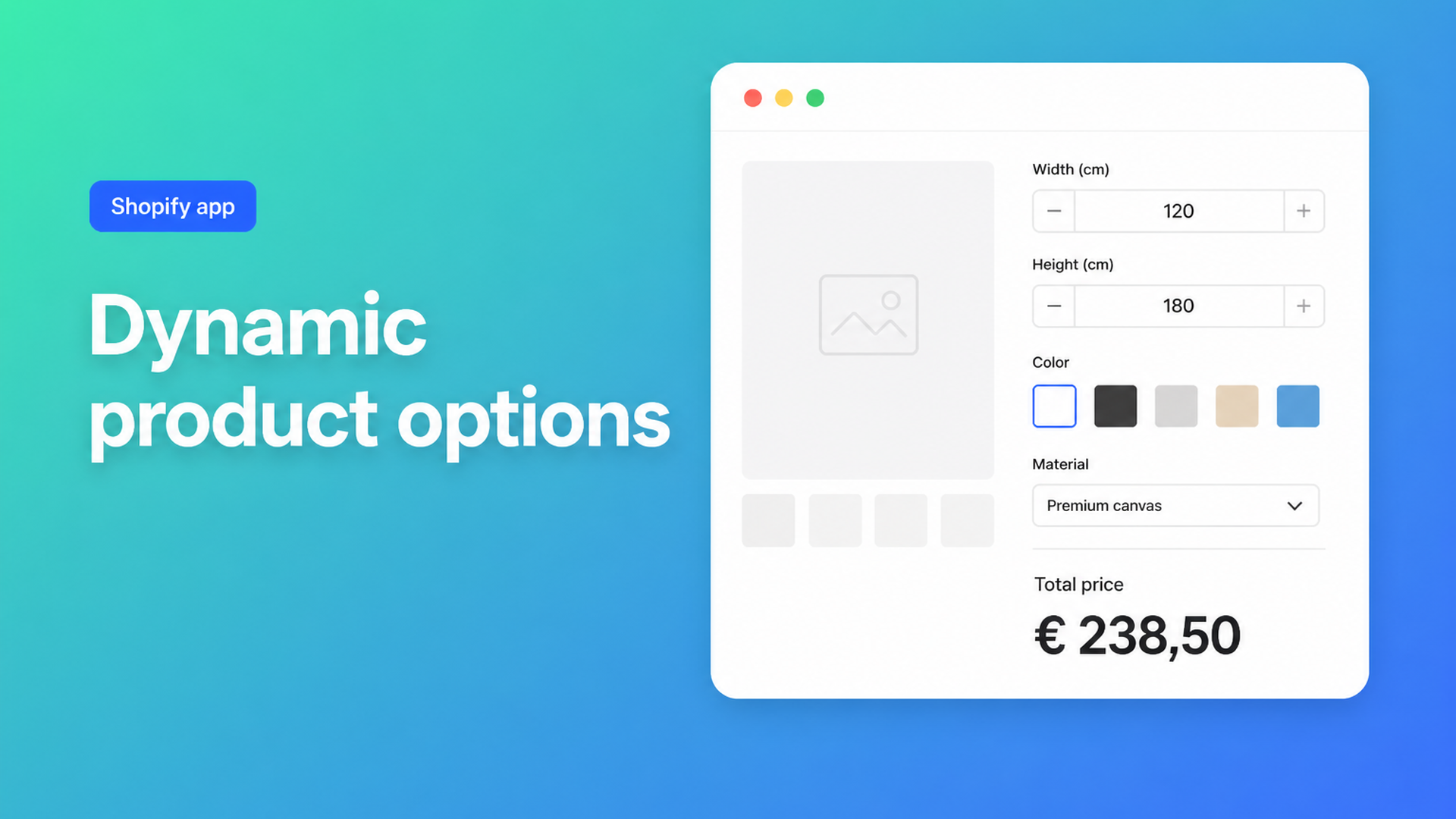
Dynamic product options Shopify: live choices without extra variants
Dynamic product options Shopify means the product page behaves like a configurator: a swatch, a finish dropdown, a gift-wrap checkbox, a width field — and the price moves while the shopper is still on the page. That is not another variant. A variant is a SKU with inventory. A dynamic option is input that feeds a formula. Native Shopify cannot carry that once you need a fourth choice or a typed measurement.
This is for merchants who want one product page that *calculates*, not a select box stuffed with every combination. You will see what Shopify still caps, why theme fields never change the till, and how Options Price Calculator puts swatches, dropdowns, checkboxes, and a live total on the page without minting a SKU per combination.
Native variants are a catalog, not a configurator
Shopify Help Adding variants is still the rulebook:
at most three options per product (Size, Color, Material — or any three labels you pick);
at most 2048 variants (the old 100 cap was raised in October 2025, changelog).
Those numbers solve different jobs. 2048 is headroom for discrete combinations you actually stock. Three options is the ceiling for native choices. A fourth dropdown, free text, a file upload, or a centimetre the customer types does not fit. Extra SKUs make the catalog larger. They do not make the page dynamic.
Community threads keep hitting the same wall. Adding more than 3 options in Shopify admin wants extra fields *without* an app; replies land on metafields that do not act like real options, or on an app. How can I add option choices to product variants needs planner extras, some of which must change price. Native variants can only do that if every combination is a SKU — and you only have three slots.
We already covered the three-option ceiling. This piece is about field behaviour: which input types you need, and why the visible price has to move.
Workarounds that look like options
Variants as UI chrome
Every finish, every hem, every extra becomes an option value. Shoppers see dropdowns; you see hundreds of SKUs. Inventory per cell is often fiction. Feeds and discounts get noisy. A typed custom size still will not exist in the matrix.
Line item properties in the theme
Liquid inputs such as `properties[Engraving]` or `properties[Width]` land on the order line. Fulfillment can read the string. The price does not change. Shopify stores metadata; the line total stays the variant price. Can we add the option to personalize an item without an app? spells it out: capturing a name and colour in code is fine; charging extra for personalisation needs an app. That is not a bug. Properties are not a pricing engine.
A second product for every add-on
Gift wrap, rush, mounting — each a separate cart line. Fine for a simple upsell. Useless for width × height × rate, and useless if you want one coherent configurator.
None of those paths are dynamic product options Shopify merchants actually need: choices that update the displayed price and charge the same amount at checkout.
Field types that actually configure a product
A dynamic product page is a set of fields, not another option row in Admin. Options Price Calculator (Built for Shopify) lets you build those fields in a calculator and attach it per variant. It does not replace inventory: stocked combinations stay native variants. Everything that does not need its own stock row becomes a field.
From the docs:
[Dropdown](https://docs.onlineorigins.nl/articles/6784116-dropdown) — pick one from a list (material, finish, service level). Each choice has a numeric value the formula can use: a surcharge, a multiplier, or `0` if the choice is fulfillment-only.
[Swatch](https://docs.onlineorigins.nl/articles/5916022-swatch) — same single-choice logic, visual (colour or image). Twelve fabrics do not need twelve SKUs.
[Checkbox](https://docs.onlineorigins.nl/articles/3700642-checkbox) — on/off. Checked, the formula uses the configured value (`5` for gift wrap, or `1.1` as a multiplier); unchecked is `0`.
Number input — the shopper types a measurement or quantity. Native options structurally cannot do this.
Text, textarea, file upload — engraving, a note, a logo. That data rides on the order; an upload surcharge can sit in the formula.
Radio buttons — dropdown logic, different UI.
Every field has a key. That key becomes a variable, as Variables and Field Values explains. Dropdown, radio, and swatch contribute the selected option’s float; a checkbox contributes its value or `0`; a number input contributes the typed number. The page total updates as the shopper interacts.
Conditional logic, the font picker, live preview (Product Personalizer), and a real-time price breakdown are Premium. Do not treat them as Starter. Starter still includes unlimited options, the formula builder, AI-assisted field generation, metafields, and multilingual labels.
The live price is a formula, not a grid cell
Options without a formula are labels. Options with a formula are a calculator. From the pricing formula examples:
``` product_price + (width * height) ```
`product_price` is the price of the currently selected variant. If the shopper switches wood to metal (real SKUs), the base changes; width and height stay fields. A checkbox add-on:
``` product_price + gift_wrap ```
Setup fee plus area, from the same docs:
``` product_price + 25 + (width * height) ```
A `material_type` dropdown can be a multiplier: `product_price * material_type`. `Math.min`, `Math.max`, and `Math.ceil` exist for rounding. Tiered rates (“if width > 200, a higher rate”) and a hard floor price are Premium if/then — see Conditional Pricing.
Server-side price validation is the safety net: the calculated amount is not only a storefront JavaScript display. Selected options travel with the order so the workshop and the confirmation email see the same configuration.
One page, five choices, one SKU
A cut-to-size board is a useful test:
Width (cm, number)
Length (cm, number)
Species (swatch, eight images — most without their own stock row)
Finish (dropdown: raw, oiled, lacquered — each a surcharge)
Cut-to-length (checkbox, a fixed saw fee)
Native Shopify gives you three options. This is five interactions, two of them continuous. In OPC you keep one or two real variants if you actually warehouse collections (oak vs. beech as SKUs). Everything else is a field. Formula:
``` product_price + (width * length * rate) + finish + cutting ```
The total moves on every click. No 8 × 3 × infinite-centimetre matrix. Curtains, banners, and a tote with engraving follow the same split: visual choice + optional surcharge + free input, without extra variants.
Yesterday’s piece was custom size pricing (number fields instead of S/M/L). Dynamic product options are the wider toolkit: not only the number, but how you present every other choice.
Start in the theme editor, not in Liquid
Install Options Price Calculator. Free plan: 20 uses (always free on a Shopify Develop store). Starter is $9.99/month for unlimited options, formulas, AI, metafields, and multilingual labels; Premium is $14.99 for conditional logic, font picker, live preview, and price breakdown. The listing currently rates 5.0 from 22 reviews.
Add the theme app extension: Online Store → Themes → Customize → Products → Default product → Add block → Apps. Place it below the price and above Add to cart. Themes differ; the selector picker exists because some themes need the price node and the cart button wired explicitly.
Build fields (lowercase keys). Give every dropdown and swatch option a float.
Write one formula. On the storefront, every input should move both the displayed total and the later cart line.
Link the calculator per variant. One variant, one calculator; when the shopper switches SKU, the field set can switch with it.
Keep native variants for what you stock. Dynamic product options Shopify are for the rest: UI, formula, order line — without exploding the catalog.
Wrap-up
Shopify stops at three options and at price-per-SKU. Dynamic product options — swatches, dropdowns, checkboxes, numbers, uploads — sit beside those SKUs, with a formula that is honest on the page and at checkout. Install Options Price Calculator and wire the first calculator to a single product before you rebuild the whole catalog.

Custom webshops, websites, and applications combined with smart online marketing to help your business grow online!


Reviews
5/5
Mail: info@onlineorigins.nl
Tel: 073 234 0612
KVK: 89825624
BTW: NL865123639B01
Bruistensingel 500,5232 AH 's-Hertogenbosch Cookies
© 2026 Online Origins