
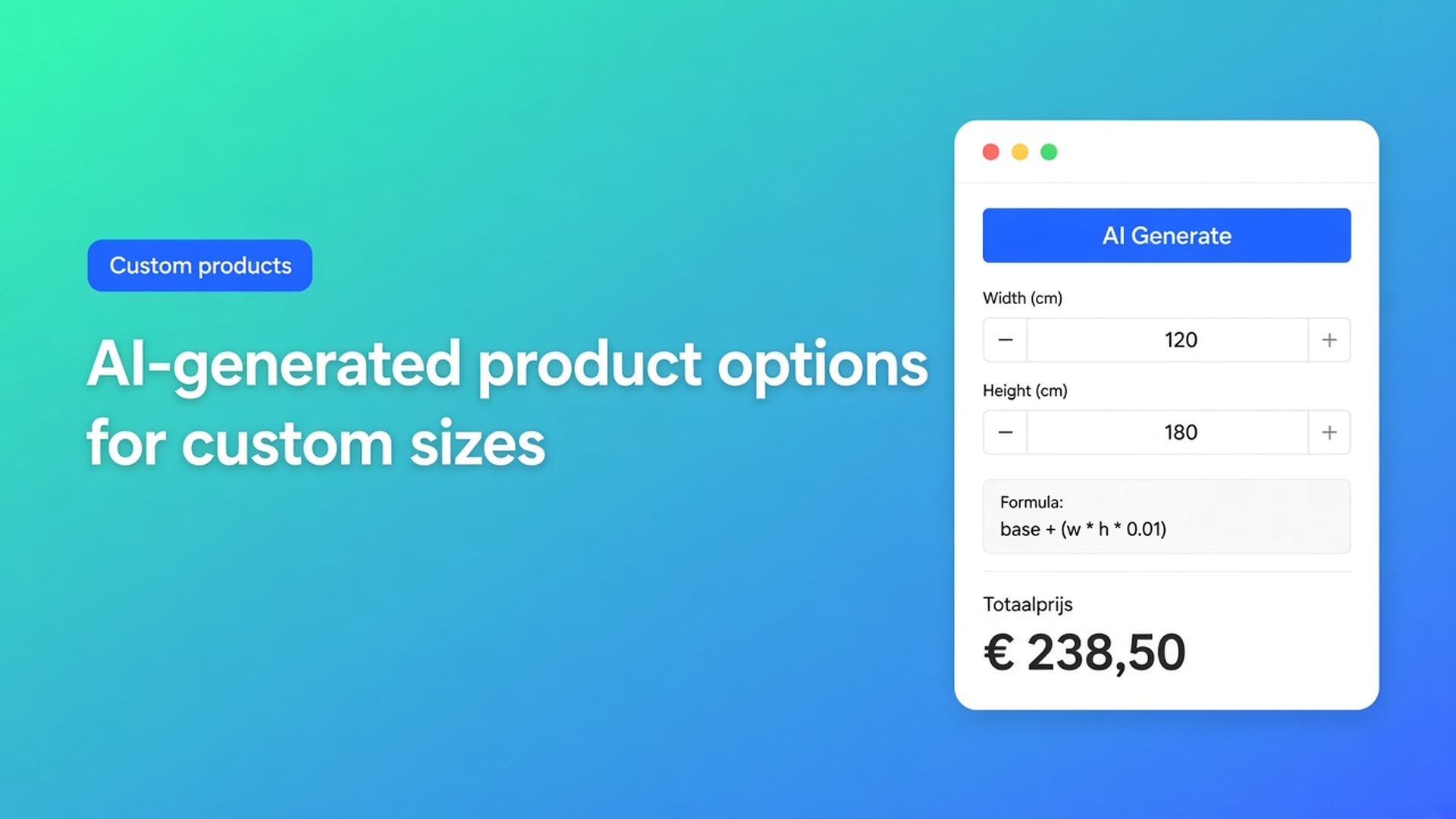
AI generate Shopify product options: draft fields and formulas, then review
AI generate Shopify product options is a faster first draft, not a skip past Shopify’s variant limits. You describe the product in plain language — custom panels, price per square metre, a material multiplier — and the app returns a starter calculator: fields, keys, a formula. That saves the first hour of dragging widgets. It does not save the review. Units, rates and which choices must stay real SKUs are still your job.
This article covers when generation helps, what Options Price Calculator actually builds according to the listing and docs, how to write a prompt that produces usable fields, and what you still do after the draft before anyone pays.
We already covered adding product options without code. Here the subject is the in-app AI assistants: a full calculator in one pass, or only the formula once the fields exist.
AI does not invent a fourth variant option
Shopify variants are stocked combinations. Adding variants caps a product at three options and 2048 variants. The old 100-variant cap is gone; the three-option cap is not. Generating a calculator does not raise those ceilings. Asking AI to “add twelve finishes as variants” is the wrong request: you fill the matrix and still cannot sell a continuous millimetre.
Native Shopify still will not:
store every millimetre as a SKU;
price width × height × a rate without a cell per size;
treat file upload, free text or conditional fields as variant options;
let theme line item properties (`properties[...]`) change the price — they only store text on the line.
So the useful ask is not “more variants”. It is a calculator sketch: number inputs, dropdowns, checkboxes, a formula that includes `product_price`, then you link that calculator to the SKUs that actually need inventory (colour, thickness, collection).
Workarounds that stall at checkout
1. The formula in the description
`width × height × 48` in the product copy. Shoppers guess, or support recalculates. No live total, no matching checkout.
2. A giant variant grid “until AI cleans it up”
Hundreds of sizes as variants. You chew through 2048 and still miss continuous dimensions. Options Price Calculator’s AI does not create extra Shopify variants; it drafts fields inside the calculator.
3. Fields first, formula never
You added width and height, then froze. The product price stays static. The AI formula assistant is the second step: fields exist, the rule does not.
None of those give you a reviewed draft with fields and a formula before go-live.
Listing promise, docs boundaries
Options Price Calculator is Built for Shopify. The listing: unlimited product options (swatches, file upload, conditional logic, formulas) and, in so many words, use AI to help generate product options and pricing formulas. Starter ($9.99/month) lists AI-powered generation next to the formula builder, metafields, styling and multilingual support. Premium ($14.99/month) adds conditional logic, font picker, live preview and price breakdown. Free: 20 uses; always free on a Shopify Develop plan. Billed in USD. Live preview, conditional logic and the font picker stay Premium — even when AI suggests them.
Docs split AI into two flows.
Generate a whole calculator
Create a calculator with AI: you describe the product; the assistant returns a draft (fields, formulas, and advanced options when your plan allows). You review before Save.
Access on that page:
| Plan | AI calculator |
|---|---|
| Free | 1 free generation, shared with the formula assistant. Then upgrade. |
| Starter | Unlimited AI generations |
| Premium | Unlimited, including Premium field types when they fit |
If the assistant proposes Premium-only pieces (conditional pricing, font picker, calculation display) on Free or Starter, you get a notice: upgrade or simplify the draft. Do not claim Starter silently ships Premium logic.
Plans & usage limits matches: Free is 1 calculator, 20 calculated orders lifetime, 1 AI generation; Starter is unlimited calculators, orders and AI; Premium is Starter plus conditionals, calculation display, font picker. In-app prices follow the shop billing currency; listing defaults are the USD figures above.
Formula only, on an existing calculator
The AI formula assistant lives on the Calculation / Formula step. It can replace the main formula, add computed properties (custom variables), and on Premium suggest if/then/else. On Starter, branching stays out: ask for it and you keep a standard formula or see an upgrade prompt. This flow does not invent random storefront fields — it works from the calculator you already built.
Install docs put it in the first-run checklist: create a calculator manually or with AI, then link variants and add the theme extension.
Write a prompt you will not throw away
The AI article wants:
what the shopper must enter (width, height, material, options);
how price should work (per m², base + surcharge, add-ons);
any rules (“if over 2 m, add a fee”).
Same page: be specific about units (mm vs cm vs m); mention `product_price` when the Shopify price belongs in the sum; list option choices and their price impact; keep one pricing story per calculator.
A prompt that matches Pricing / Formula Examples:
> I sell aluminium panels. The customer enters `width` and `height` in metres. Price is `product_price + (width * height)`. Dropdown `material` with multipliers 1 / 1.2 / 1.5. Do not create extra Shopify variants for size; thickness stays a variant.
Then check field keys. The formula uses those keys literally. `width` in the prompt and `panel_width` on the field is a silent zero. Test realistic sizes in the preview. Formula docs: round last, use parentheses, insert `Math.ceil` / `Math.round` from the field selector.
If the rule is “when width > 2, add a fee”, that is Premium conditional. On Starter keep it linear, or split into two calculators per variant — the pattern in a different calculator per Shopify variant.
Example: made-to-size panels, AI as the first draft
Facade panels. Shopify variants: Thickness (3 mm | 5 mm) and Colour (black | silver). Those are SKUs. Size is continuous.
Open Options Price Calculator → Calculators → create with AI.
Paste a prompt like the one above. Submit. Wait for the draft.
Check number inputs, units, dropdown values, formula. Strip Premium fields if you are on Starter.
Save. Link the calculator to the thickness/colour variants.
Put the theme app block on the product template, below price, above Add to cart — How to Add the Extension.
Storefront: switch 3 mm to 5 mm (`product_price` follows the variant), enter 1.20 × 2.40, check the cart.
After AI: translate labels if you sell in more than one language (Starter+), and turn on server-side price validation in App settings if you want cart/checkout verified by the app. AI is a starting point, not publish-and-forget.
Getting started
Install Options Price Calculator. Free for one calculator plus one AI generation; Starter for unlimited AI and orders; Premium when you need conditionals or live preview.
Add the app block to the product template.
Generate with AI or build by hand. Review keys and the formula.
Link variants. Test live price and cart.
Optionally run the formula assistant for a second pass on the same calculator.
Do not name competitors. Do not cite “100 variants”. Do not claim AI replaces per-SKU inventory.
Wrap-up
AI generate Shopify product options means a draft: fields and a formula from a product description, unlimited on Starter, once on Free (shared with the formula assistant). Native Shopify stops at three options and 2048 variants; continuous sizes and surcharges belong in the calculator. You still own units, `product_price`, and what is Premium.
Build the first draft with Options Price Calculator, recompute one real panel size, then link the next SKUs.

The Shopify Select partner for ambitious e-commerce businesses that want to grow!


Services
Reviews
5/5
Mail: info@onlineorigins.nl
Tel: 073 234 0612
KVK: 89825624
BTW: NL865123639B01
Bruistensingel 500,5232 AH 's-Hertogenbosch Cookies
© 2026 Online Origins