
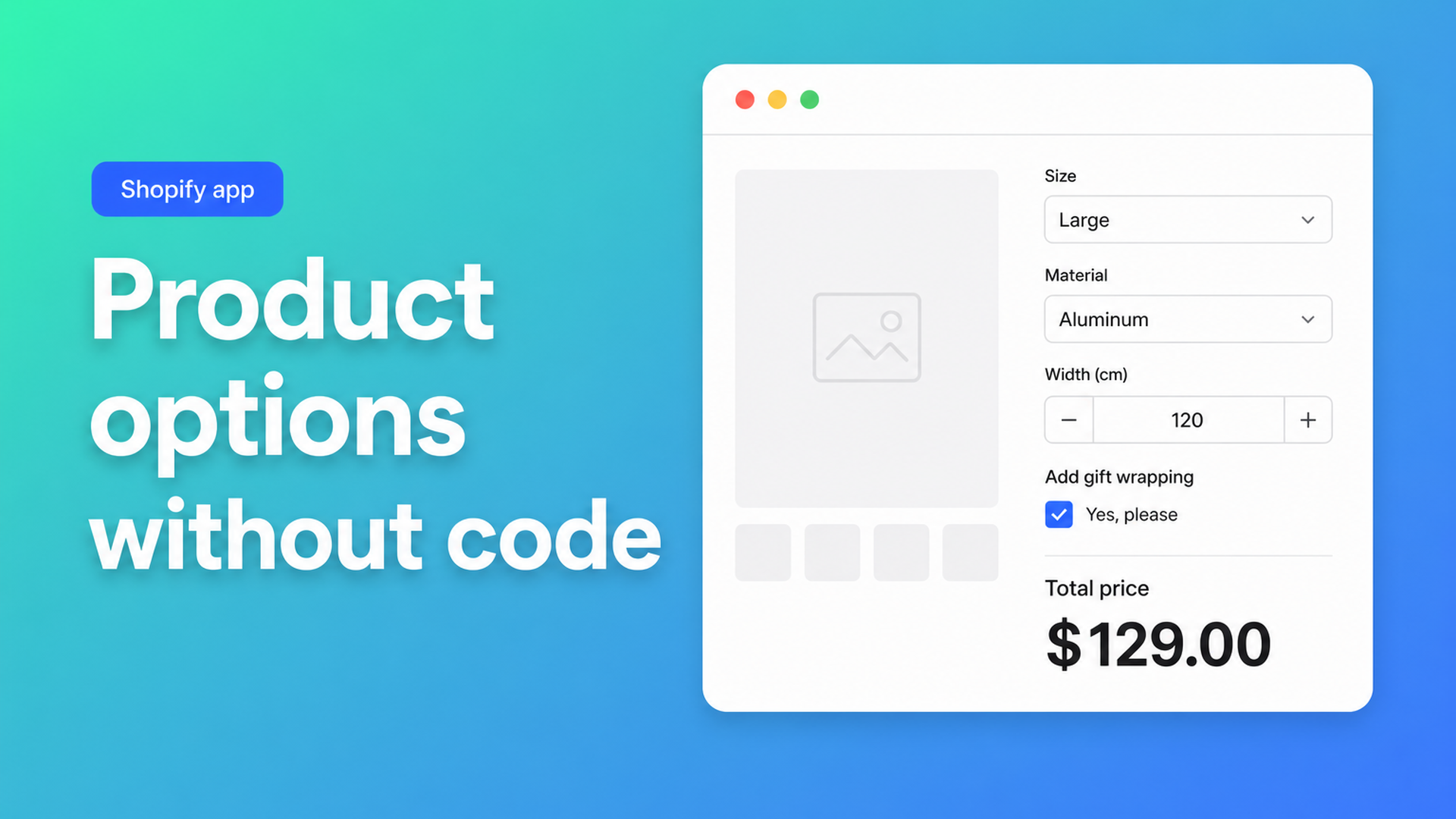
Shopify product options no code: extra fields in the theme editor
Merchants ask for a fourth choice, a gift-wrap checkbox, or a centimetre field — then hit Shopify’s variant UI and stop. Shopify product options no code is the practical version of that request: collect extra inputs on the product page, change the price, and keep the catalogue as one SKU. No `main-product.liquid`. No freelance Liquid sprint.
Variants are inventory records. They are the right tool for “red / blue / green in stock”. They are the wrong tool for a coating surcharge or a length the customer types. Theme inputs named `properties[Width]` look like a free workaround until checkout still bills the variant. Community threads repeat the same fork: add more than three options without a third-party app, priced upgrades that must not double the variant tree, and custom options plus pricing rules “just in code” — which replies treat as a developer project, not an afternoon in admin.
This article maps the native ceiling, the workarounds that still hide a code edit, and how Options Price Calculator puts an app block, a drag-and-drop builder, and a formula on the product template.
Why “just add a field” still means code
Shopify Help Adding variants still limits a product to three options and 2048 variants. The variant cap rose from 100 to 2048 in October 2025 (changelog). That is useful for large, finite grids. It does not give you a fourth option, a continuous millimetre range, or a +$25 upgrade without multiplying SKUs.
Shopify’s own metafield-and-custom-block recipe for extra choices assumes HTML, CSS, Liquid, and Online Store 2.0. App blocks themselves only appear in sections that follow OS 2.0 patterns; Shopify staff say so in App block issues. So “no code” means *you do not edit Liquid*, not “every vintage theme magically grows a block picker”.
If you need more than three native options, the platform’s answer is still: split products, or use an app. We unpacked the three-option wall in more than 3 product options.
What merchants try before they hire someone
1. Another variant option
Colour, size, and fabric already occupy the three slots. A mounting type or file upload has nowhere to go. Splitting into five products buys three slots each and a messy catalogue.
2. Line item properties in the theme
A Liquid input is cheap if you already live in the theme. Shopify stores the string on the line. It does not change price. Width 80 and width 240 pay the same. That gap is the whole point of line item properties do not change price.
3. One SKU per upgrade combination
Five colours plus a joystick upgrade become ten variants; a second upgrade becomes twenty. Built-to-order shops do not need inventory on each cell. 2048 slots do not make that spreadsheet a product page.
4. Email quotes
Zero code, zero self-serve checkout. Every “how much for 2.4 m?” is a ticket.
What a no-code Options Price Calculator setup looks like
Options Price Calculator (Built for Shopify) adds unlimited product options and formula-based prices without extra variants. The listing calls out easy no-code setup, a drag-and-drop calculator builder, AI-assisted option and formula generation, and multilingual labels. You stay in admin and the theme editor.
Drop an app block — do not paste a snippet
The storefront piece is a theme app extension. From How to Add the Extension to the Product Page:
Online Store → Themes → Customize on the published theme.
Page selector → Products → Default product (or your template).
Add block → Apps → Options Price Calculator.
Sit it below the price, above Add to cart.
Save.
Then open a live product, change a value, and confirm the price moves. If the theme paints the amount in an unusual node, use the Selector Picker: click the price (and Add to cart) so the app stores the CSS selector. Re-pick after a theme switch. That is UI setup because themes differ — the app does not claim “works on every theme with zero configuration”.
Build fields by dragging, not by schema JSON
In the app you add number inputs, dropdowns, radios, checkboxes, swatches, file upload, text, dates, and more. Dropdown choices reorder with drag and drop. Each field key becomes a variable. A number input can require a value and clamp min/max so junk numbers never reach checkout. A dropdown carries a numeric value the formula can multiply.
AI-powered generation (Starter and above, per the listing) can propose fields and a first formula. You still preview with sample numbers. Treat AI as a draft, not as an unsigned cheque at checkout.
Write the price in the formula builder
The formula builder accepts typing, a field picker, or a pasted expression. Operators: `+ − × ÷` and parentheses. From the pricing examples:
``` product_price + gift_wrap product_price + (width * height) product_price + 25 + (width * height) ```
A checkbox contributes its configured number or `0`. `product_price` is always the active variant price. The longer formula walkthrough lives in formula-based pricing on Shopify. For this article the constraint is simpler: the amount the shopper sees is the formula result, not a JavaScript span you maintain in the theme.
Link calculators per variant
Assignment is variant-level in Linking Products & Variants. One SKU can carry many extra fields. Bulk linking covers a catalogue that shares the same calculator. Options are not inventory; keep stock on the variant that actually needs a SKU.
Starter vs Premium — keep the labels honest
Starter ($9.99/mo) includes unlimited options, the formula builder, metafields, styling, multilingual support, and AI generation. Premium ($14.99/mo) adds:
conditional logic / conditional pricing (if/then, minimums, size tiers);
font picker;
Product Personalizer live preview on the product image;
real-time price breakdown (table or text).
Do not flatten those into the free builder. Free covers 20 uses; Develop-plan stores stay free per the listing.
Worked example: length plus gift wrap
A fabric cut: native variant is the cloth (real SKU). The customer types metres. Gift wrap is optional.
Fields:
`meters` — number, required, min/max from the roll.
`gift_wrap` — checkbox, value `5` when checked.
Docs-shaped formula:
``` product_price * meters + gift_wrap ```
The shopper types 3.5, ticks wrap, sees the total update, and checkout charges that line. Fulfillment reads metres and wrap on the order. No fifty length variants. No Liquid diff the next time you update Dawn. Same idea as dynamic product options, with the setup path aimed at merchants who will not open a `.liquid` file.
How to get it live today
Install Options Price Calculator from the Shopify App Store.
Add the app block on the product template (steps).
Create fields (or let AI draft them) and a formula; test preview values.
Link the calculator to the product or variant.
Use Pick price and Pick add to cart if the theme does not follow automatically.
Verify storefront → cart: inputs change the payable amount.
Add Premium only if you need conditionals, a breakdown, or live preview.
Listing (August 2026): 5.0 from 22 reviews, Free / Starter ($9.99) / Premium ($14.99), billed in USD. Built for Shopify.
Wrap-up
Shopify product options no code is extra fields and a price formula without editing Liquid, without a variant per millimetre, and without a quote inbox. Native Shopify stops at three options and fixed SKU prices. Line item properties do not close the gap. Options Price Calculator puts an app block on the product template, a builder in admin, and the same formula into checkout.
Ready to add extra options without touching theme code? Install Options Price Calculator and run one product template end to end today.

The Shopify Select partner for ambitious e-commerce businesses that want to grow!


Services
Reviews
5/5
Mail: info@onlineorigins.nl
Tel: 073 234 0612
KVK: 89825624
BTW: NL865123639B01
Bruistensingel 500,5232 AH 's-Hertogenbosch Cookies
© 2026 Online Origins