
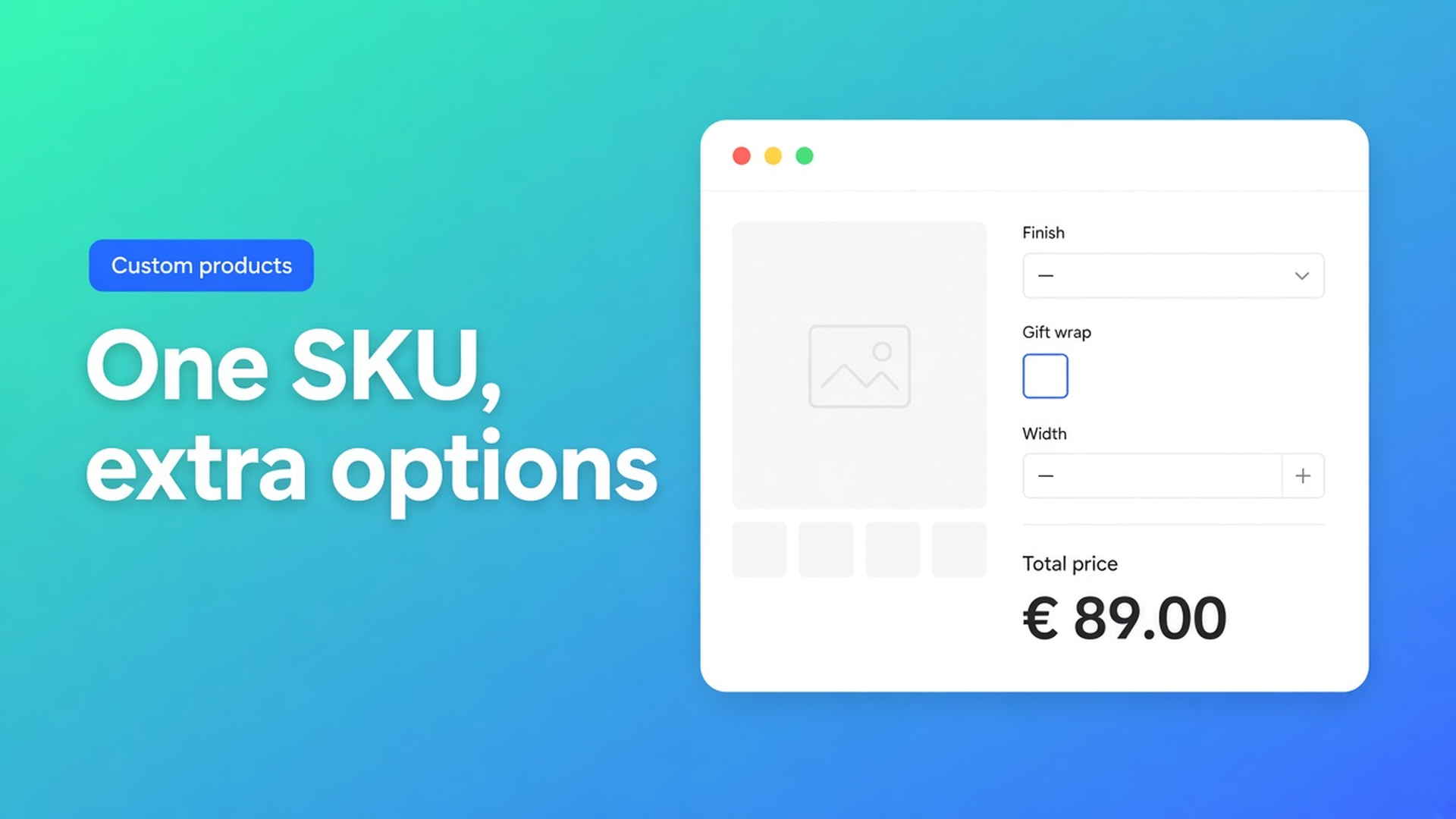
Shopify options without extra variants: keep inventory on one SKU
Shopify variants are SKUs. Each combination gets a price, a barcode, and a stock count. That model is perfect for size × color you actually warehouse. It is a poor fit for engraving, a file upload, a finish upcharge, or a width the customer types in millimetres. Shopify options without extra variants is the pattern you want when those extras must show on the product page, change the price, and still leave inventory on the one SKU you cut from.
Merchants hit this in the forums constantly. In Providing product options without creating variants the catalog would need about 420 combinations if every choice became a variant. The shop did not need 420 warehouse rows. They needed a configurator. Apps that mint temporary variants at checkout broke their shipping tool: each new SKU picked up the default box size, even though every configuration shipped in the same carton.
This article separates stock-keeping attributes from configuration, explains why theme line item properties cannot price those extras, and shows how Options Price Calculator adds unlimited fields without growing the variant table.
Variants keep stock. Options should not invent SKUs.
Shopify Help Adding variants still caps a product at three options and 2048 variants. The variant ceiling rose from 100 in October 2025 (changelog). More room for real SKUs is useful. It does not create a fourth option name, and it does not make “every millimetre” a stock row.
Every product already has at least a default variant. Price and inventory live there. Add Color, Size, and Material and the matrix multiplies. A fourth native option is not available. Continuous dimensions cannot be variants: you would be tracking stock per millimetre.
Use native variants for combinations you warehouse. Oak versus walnut with their own bins stay variants. Gift wrap, a free-text name, a coating surcharge, or a custom width sit beside that SKU as product options. They travel on the order line. They should not clone the product in admin.
The three-option ceiling is the other half of the same limit; we covered that in Shopify more than 3 product options. Here the question is inventory: how to offer the extra choices without extra SKUs.
Workarounds that still create SKUs — or never change the price
1. Encode every extra as a variant value
Twelve colours × five finishes × two hangers = 120 SKUs, and you have spent all three option names. Stock per cell is fiction if you cut the same sheet. In Customized items and limit of 3 options the practical split is still: colour, size, and filling as real variants; embroidery and pompoms as add-ons. The old 100-variant cap is gone. The three-option rule and the “this is not a warehouse row” problem are not.
2. Line item properties in the theme
An input named `properties[Finish]` stores “matte lacquer” on the line. Fulfilment can read it. The price does not change. Shopify prices the variant, not `properties[...]`. We documented that in line item properties do not change price. Fine for a note. Useless for a €12 upcharge.
3. Temporary variants or one product per choice
Some setups create a variant or a hidden product when the customer adds to cart. Shipping apps, channel feeds, and inventory reports then see a new SKU — the exact failure in the Community thread above. Splitting one model into five products resets the three-option budget, at the cost of duplicate pages and a shopper who has to hop.
Put the extras next to the SKU
Options Price Calculator is built for that split: unlimited product options (swatches, dropdowns, numbers, checkboxes, text, file upload) on the product page, a formula that updates the price live, and no extra product variants. The App Store listing states that as a core capability. Your catalog stays one SKU — or a handful of real ones — while the configuration rides along on the order.
The app is Built for Shopify (listing: 5.0 from 25 reviews). It uses a theme app extension, not a Liquid paste. You link calculators per variant: if oak and metal really are different stock rows, each SKU can have its own formula; the extra options remain fields.
Checkboxes and dropdowns carry a numeric value. Unchecked is `0`. From the Pricing / Formula Examples:
``` product_price + gift_wrap ```
``` product_price + (width * height) ```
`product_price` is always the selected variant’s price. Field keys become variables (Variables and Field Values). Conditional logic (if/then, a higher rate past a width) and live preview / Product Personalizer are Premium ($14.99/month), not Free or Starter. Starter ($9.99) includes unlimited options, the formula builder, metafields, and multilingual field labels.
Options do not replace inventory per SKU. If each colour is a bin you count, keep it as a native variant. OPC hangs extra choices and the sum beside that SKU, and validates the calculated price server-side rather than trusting the browser alone.
Example: a name plaque on one SKU
Wooden name plaques, cut from the same sheet. Timber species is stock (oak / walnut = two real variants). Everything else is configuration:
Width (number, cm)
Height (number, cm)
Typeface (dropdown, not a SKU)
Engraving copy (text field)
Hanging kit (radio: none / stainless, numeric 0 or 8)
Gift wrap (checkbox, value 6)
Native Shopify gives you three option names. This setup is two continuous measures plus four extra choices. As a variant matrix it will not fit, and stock per typeface is meaningless.
In OPC you add two number inputs (`width`, `height`), a dropdown, text, radio, and checkbox. Convert cm to metres in the formula:
``` product_price + (width * height * 95) + hanger + gift_wrap ```
`product_price` follows the wood variant. A 40 × 20 cm oak plaque is 0.08 m² × €95 plus any add-ons; the total moves as the customer types. The order line carries the copy, the sizes, and the extras. Fulfilment does not hunt through twenty-five SKUs.
A floor under tiny sizes (`Math.max` or if/then) is Starter versus Premium — we walked through that in enforce a minimum price on Shopify. Live preview of the letters on the board is Premium Product Personalizer; you do not need it for options and pricing to work.
What you need to start
Install Options Price Calculator. Free: 20 uses, always free on a develop store. Starter for unlimited options and formulas; Premium for conditional logic and live preview.
Add the app block on the product template: How to Add the Extension to the Product Page. Sit it below the price, above Add to cart. The selector picker exists because themes park price and the button in different places.
Decide what is a real SKU (stock) versus a field (no stock). Only the first stays a Shopify variant.
Create fields; keys become variables. A checkbox contributes its value or `0`.
Write the formula in the formula builder. Preview first, then cart and checkout.
Link the calculator to the product or variant. A single-variant product gets the calculator on that default SKU.
Field types, formulas, and settings: Options Price Calculator docs.
Wrap-up
Shopify options without extra variants means: show the choices the customer needs, let the price follow, and keep inventory on the SKUs that actually sit on a shelf. Native Shopify stops at three options and a price per variant. Line item properties store text and do not calculate. Extra SKUs make shipping, feeds, and stock counts heavier — not simpler.
Put the extra fields beside your variants, not inside them. Install Options Price Calculator and keep the catalog clean.

The Shopify Select partner for ambitious e-commerce businesses that want to grow!


Services
Reviews
5/5
Mail: info@onlineorigins.nl
Tel: 073 234 0612
KVK: 89825624
BTW: NL865123639B01
Bruistensingel 500,5232 AH 's-Hertogenbosch Cookies
© 2026 Online Origins